
Service information customers can see.
Turn current service information into approved messages customers can understand.
Publish your own content today. Automatic data updates need a supported integration. Broader automation and outcome measurement are not generally available.
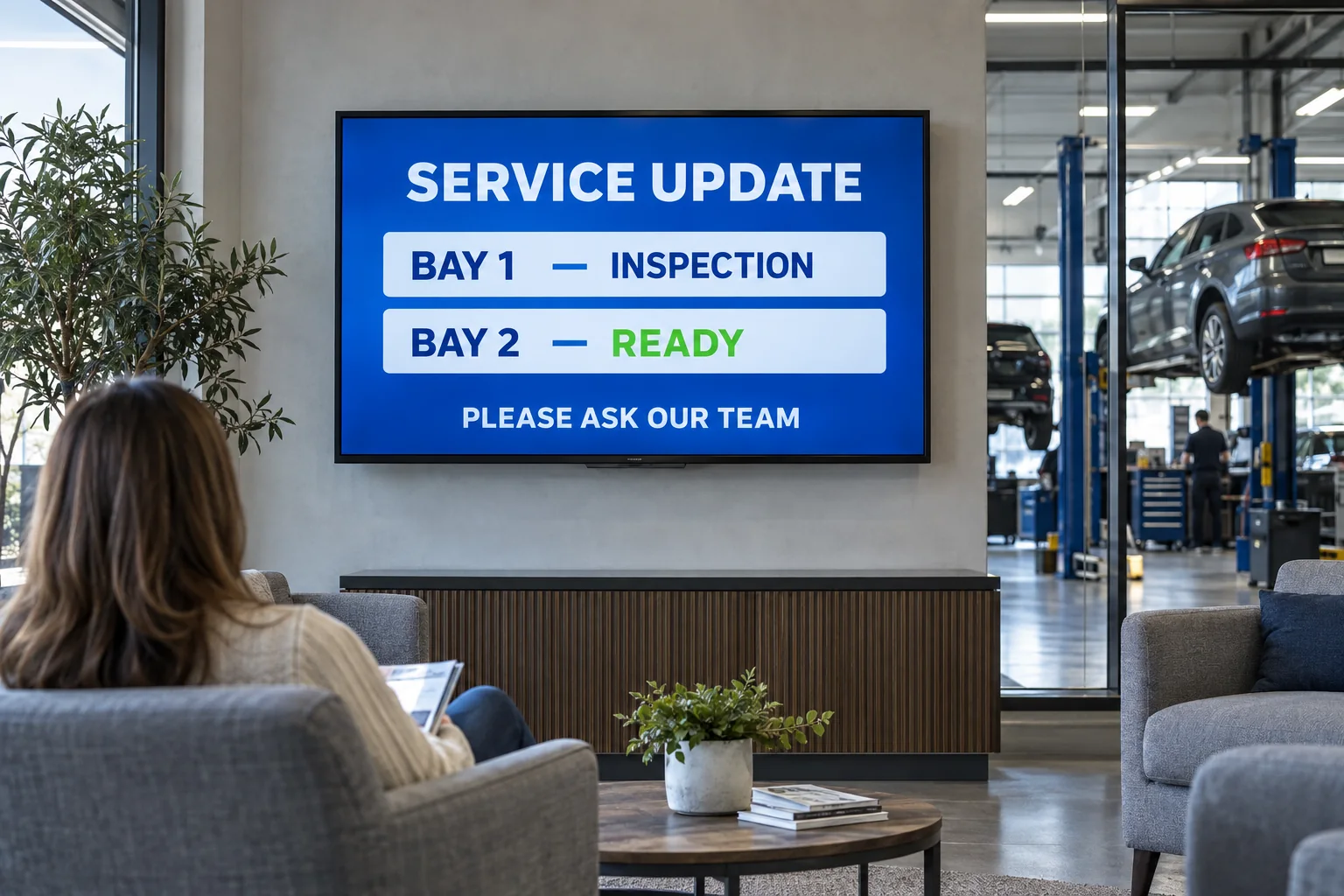
What changed
Start with the current service condition.
Bring in inspection results, parts availability, bay capacity, and wait status.
InspectionCurrent service findings
PartsEligible and available
CapacityAvailable bays and team
CustomerApproved next step
Before publishing
Check the service update.
Check the service status, parts and team capacity. The advisor approves the update.

What the screen shows
Explain the next eligible action clearly.
Show approved recommendations, open capacity, and current service status.
- Explain progress without showing private repair details.
- Show an offer only when the service is eligible and available.
- Give waiting customers a clear next step.
What you can learn
Connect communication to service performance.
Review approvals, repair-order value, and bay use when measurement is connected.
Measurement planCheck what changed, not just what played.
What to measureApproval rateCompleted serviceWaiting time
What to recordAdvisor approvalWhere the update appearedService record
Record each update, then compare the data with your baseline.
The service screen should help a customer understand a real next action—not add another disconnected promotion.