

Easy to create
Make menus, offers and updates. Review, then publish.
Create menus, offers and updates. Share them across your TVs from one simple place.
Focus or choose a setting to stop movement. Swipe left or right to change the screen.
Connect Toast, Clover, Claude and ChatGPT.
 Menu connection
 Use your Claude subscription
 Connect through ChatGPT
Create, connect and publish. One place for every screen.
Get startedMake menus, offers and updates. Review, then publish.
Keep your TV. Add an HDMI player if needed.
Start free. Add more credits when your business needs them.
free monthly credits
credit to publish to several screens
per-screen fee
Free. $0 / month. 25 credits.
Up to 10 screens
Publish and lay out up to 10 screens. Free is a permanent plan, not a trial.
Start free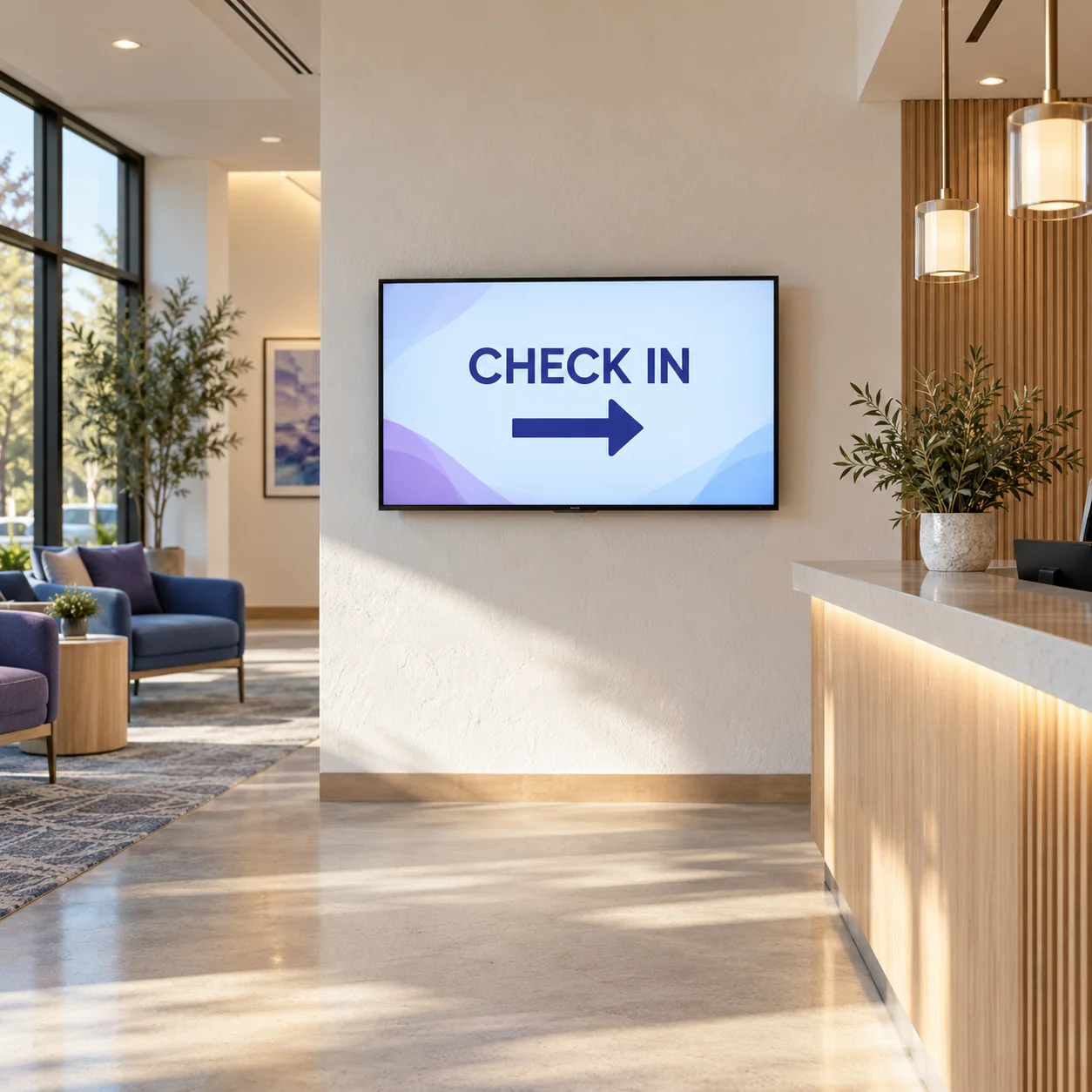
Starter. $29 / month. 125 credits.
Up to 100 screens per business
Adds AI images and motion graphics, with no per-screen fee.
Get started with Starter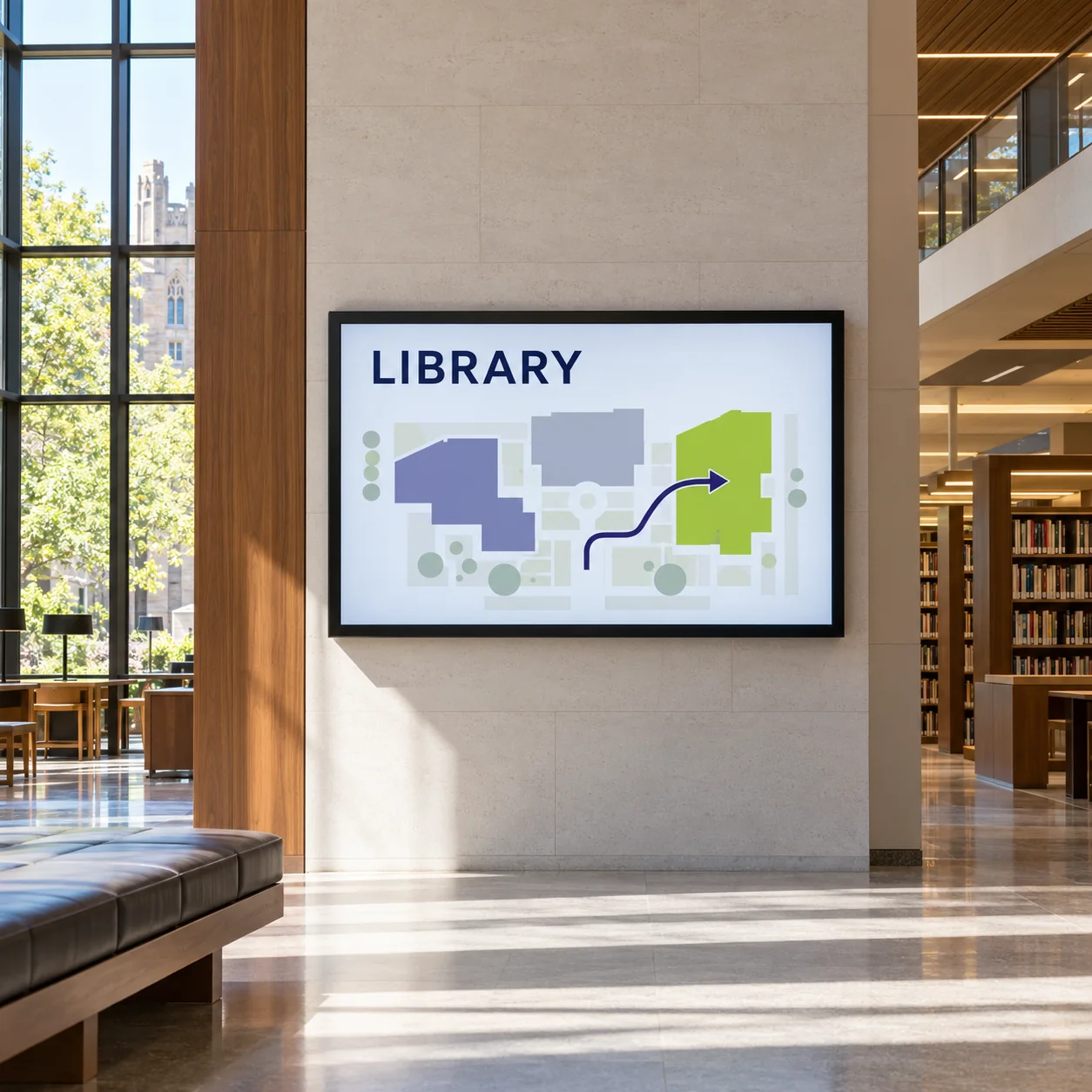
Pro. $79 / month. 400 credits.
Up to 100 screens per business
Adds live menu boards from Toast and the Claude and ChatGPT connectors.
Get started with Pro
Business. $199 / month. 1,100 credits.
Up to 100 screens per business
Everything in Pro, for high-volume teams and campaigns.
Get started with BusinessPrices in US dollars, before tax. Hardware is sold separately.
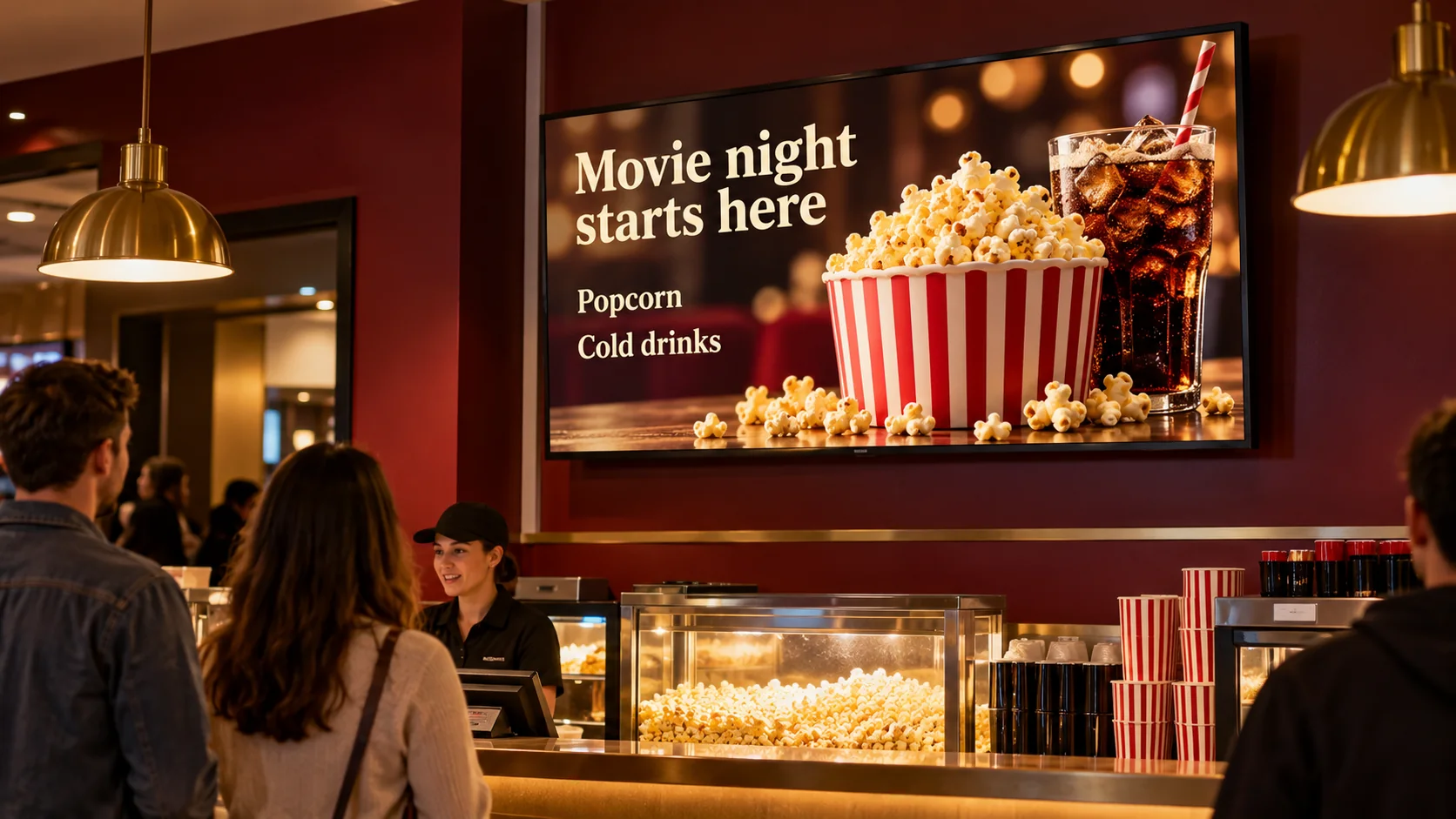
Compare all plansPut menus and specials where people order.
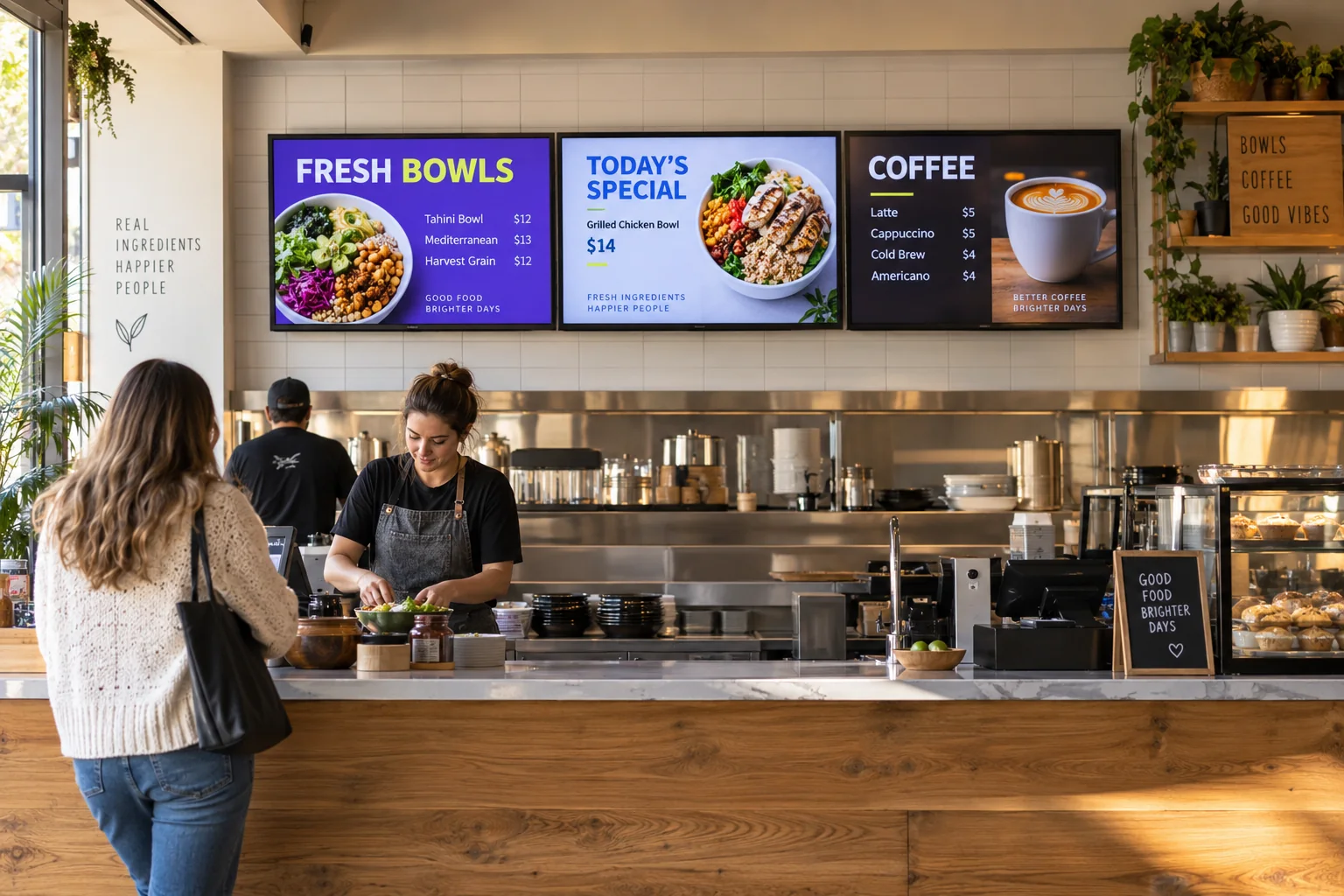
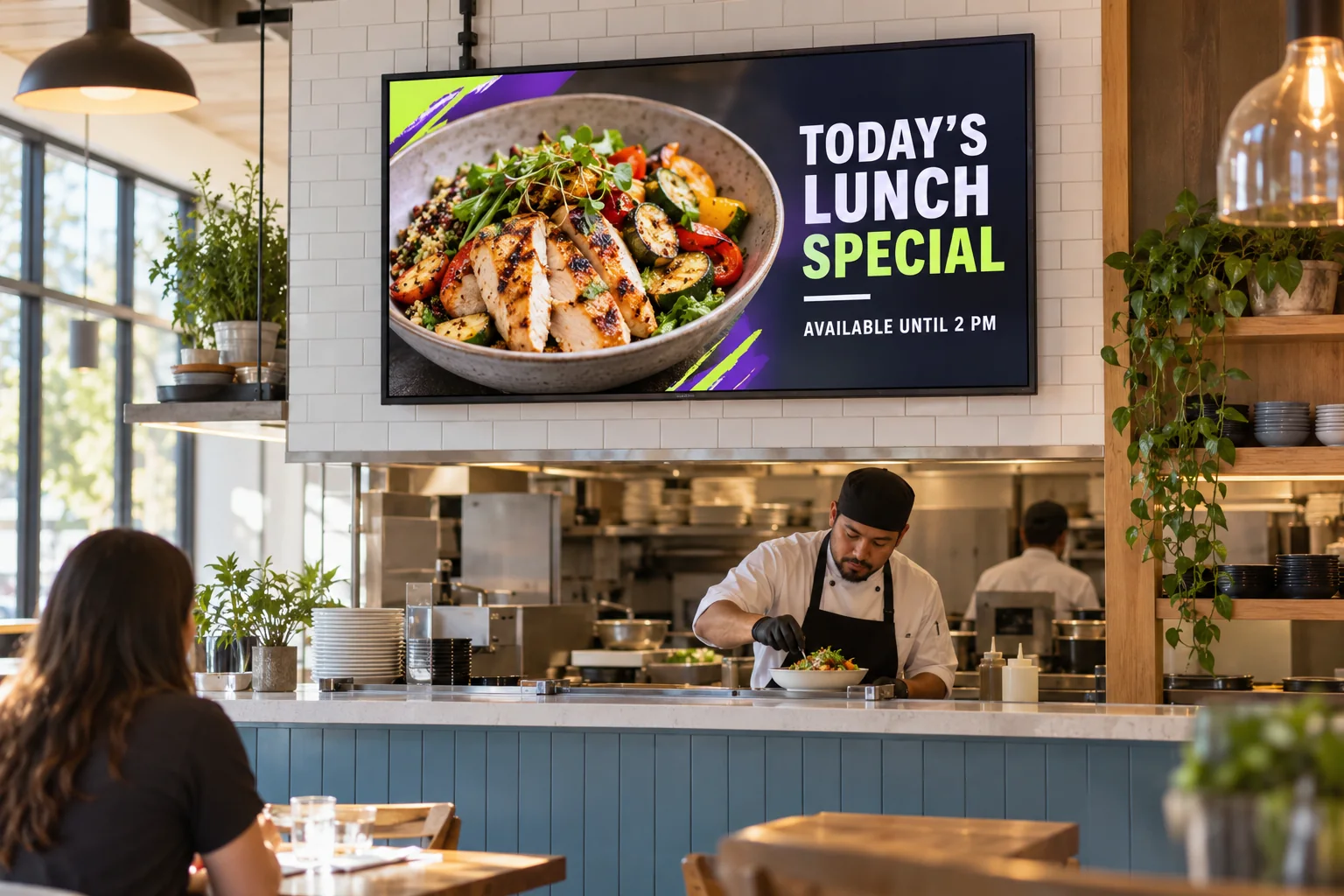
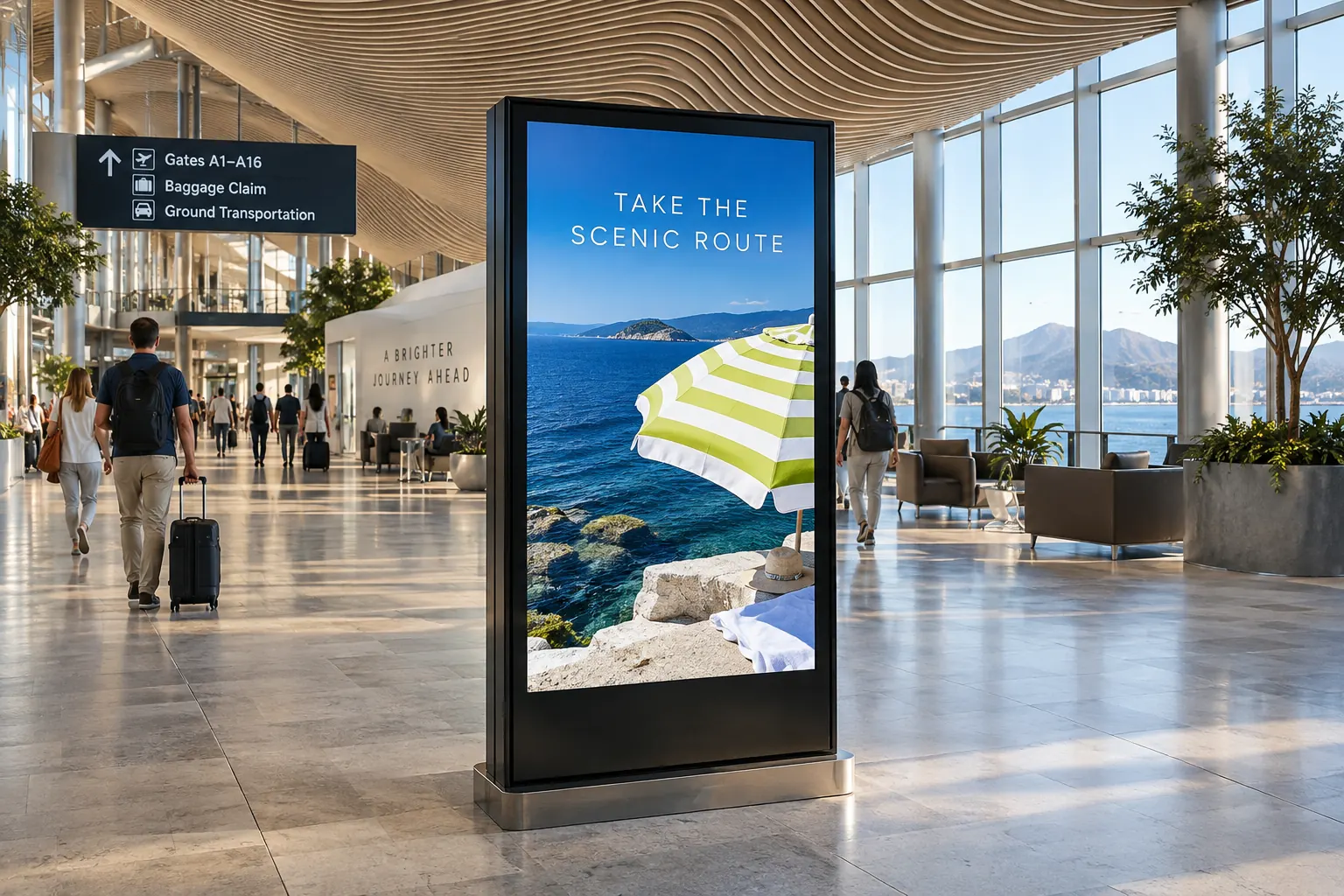
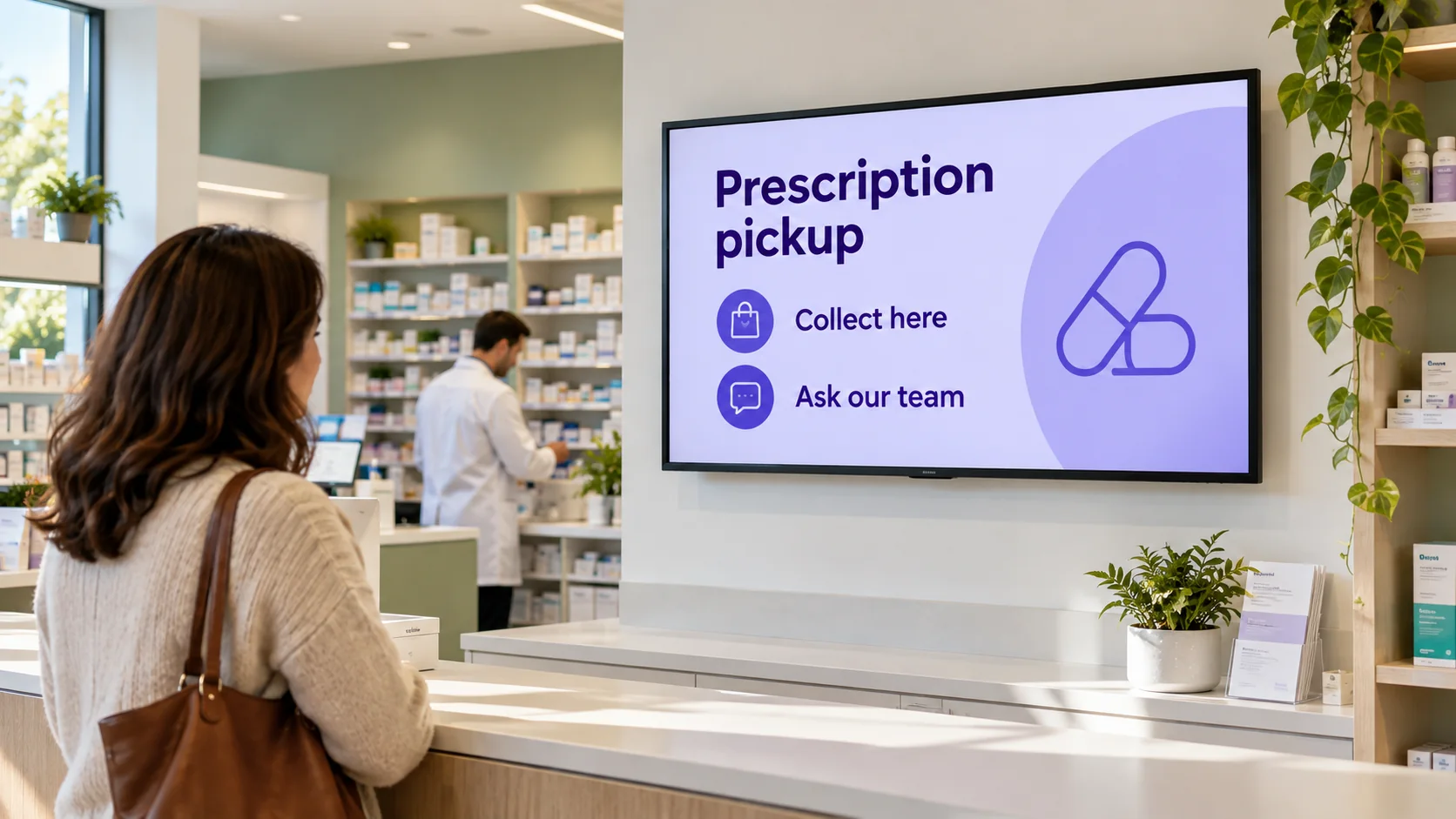
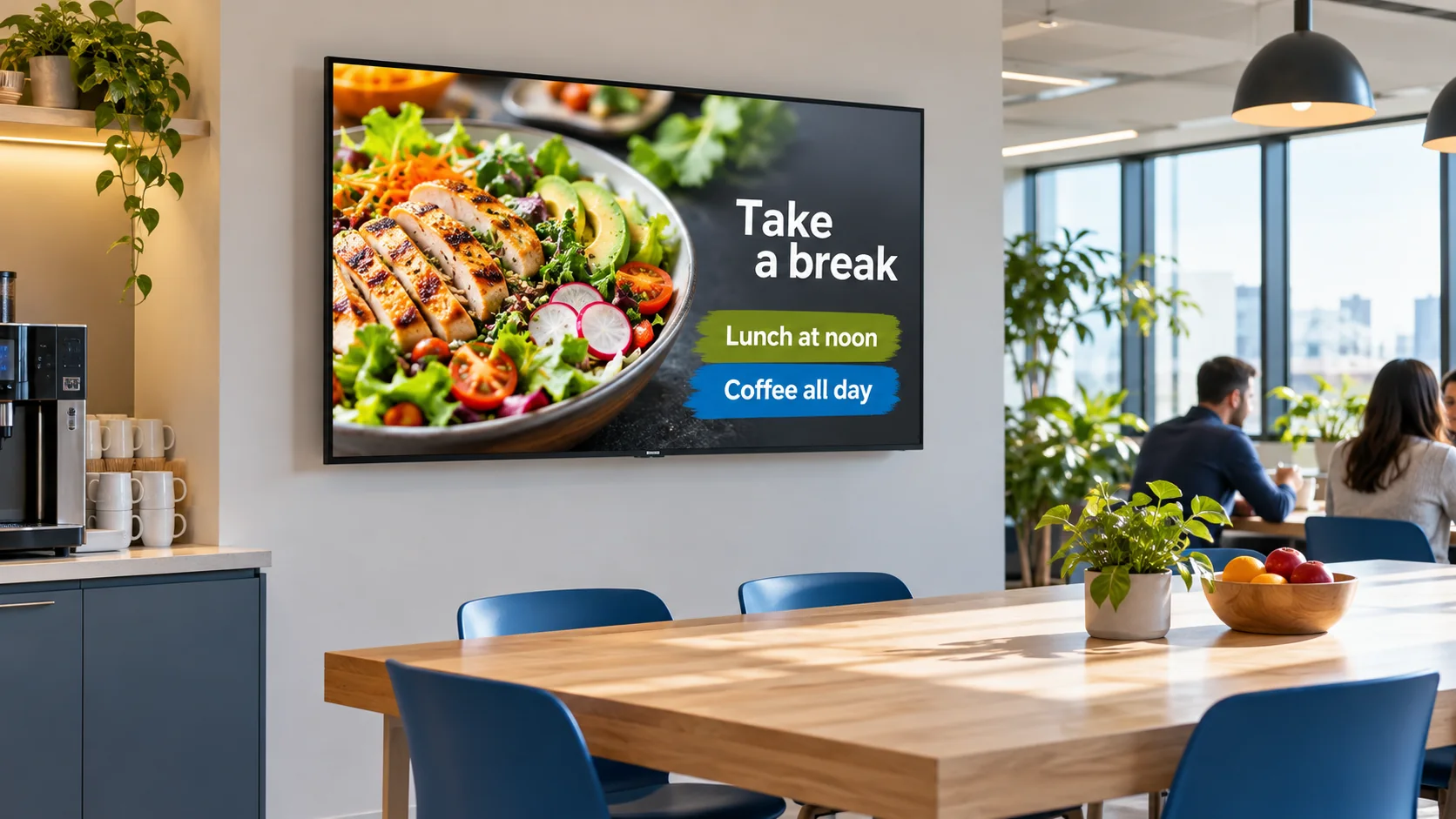
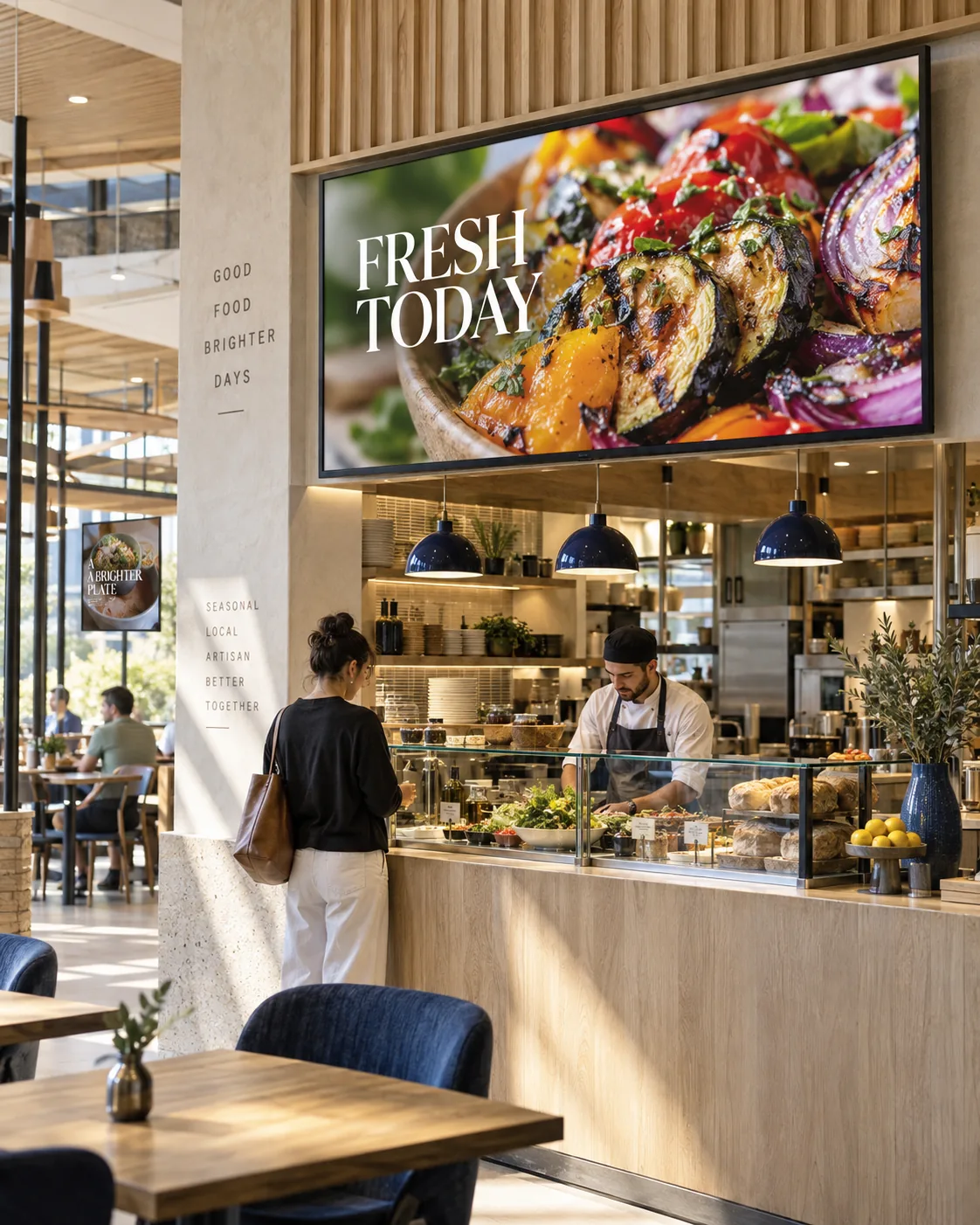
Your latest prices and offers, on screen.
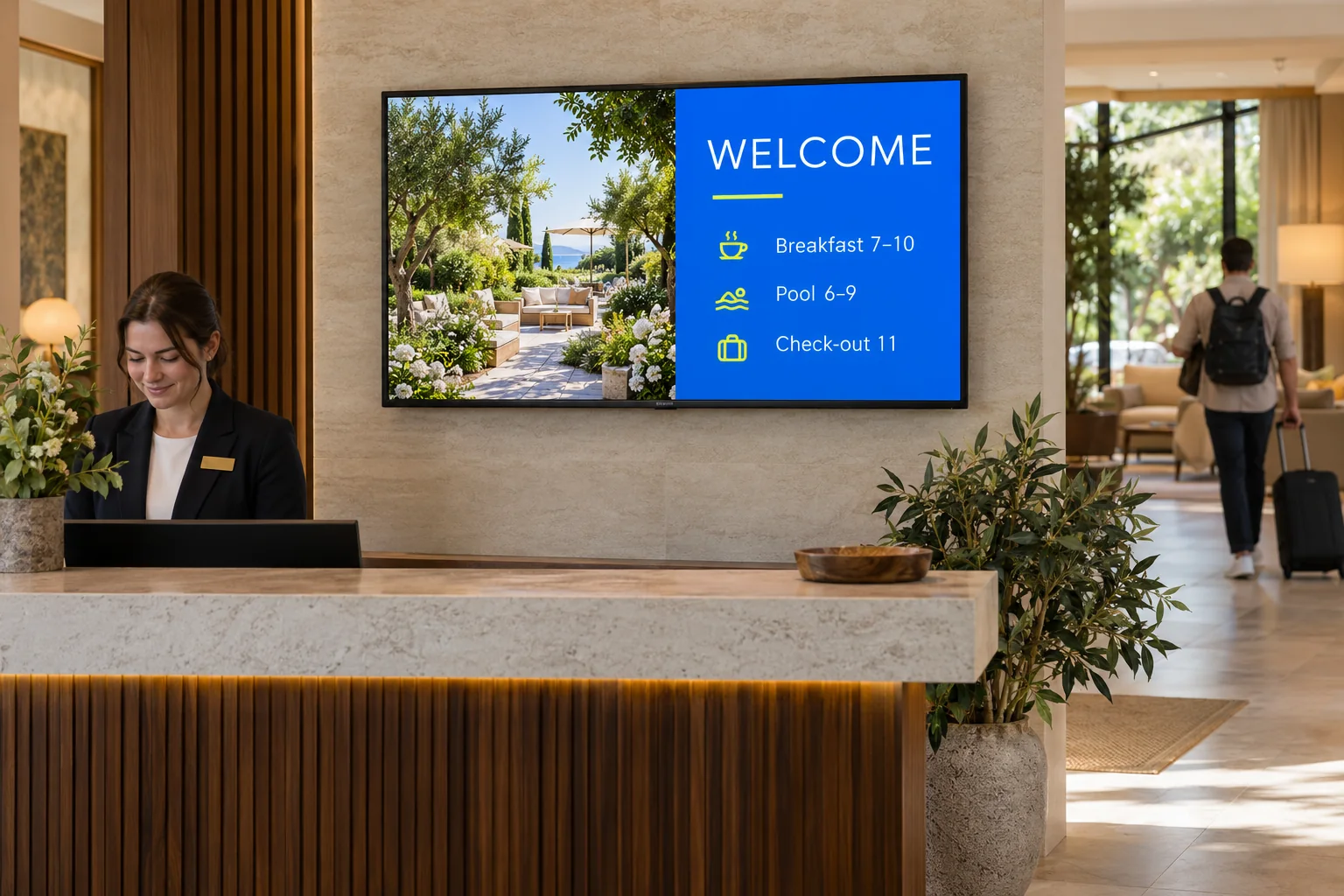
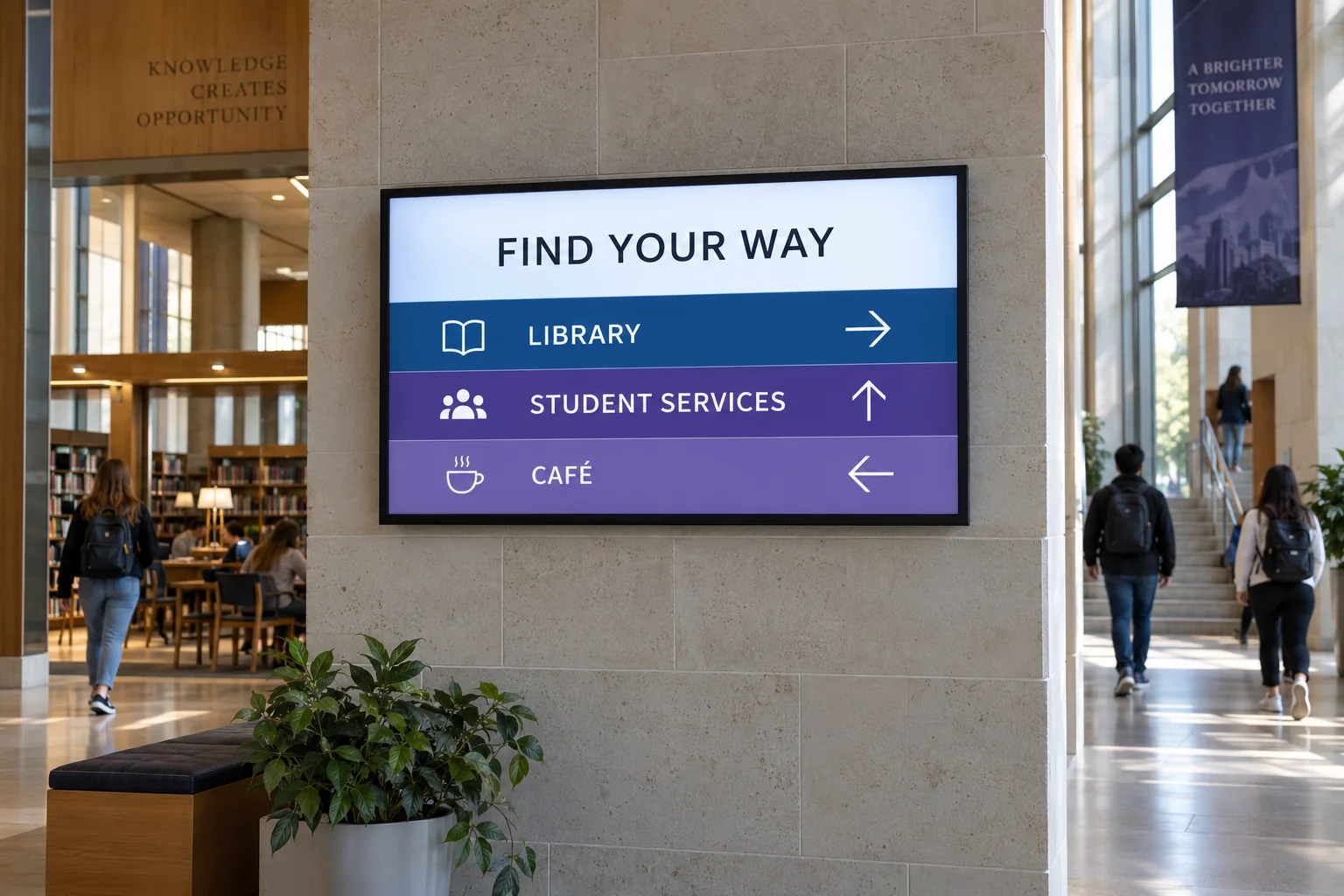
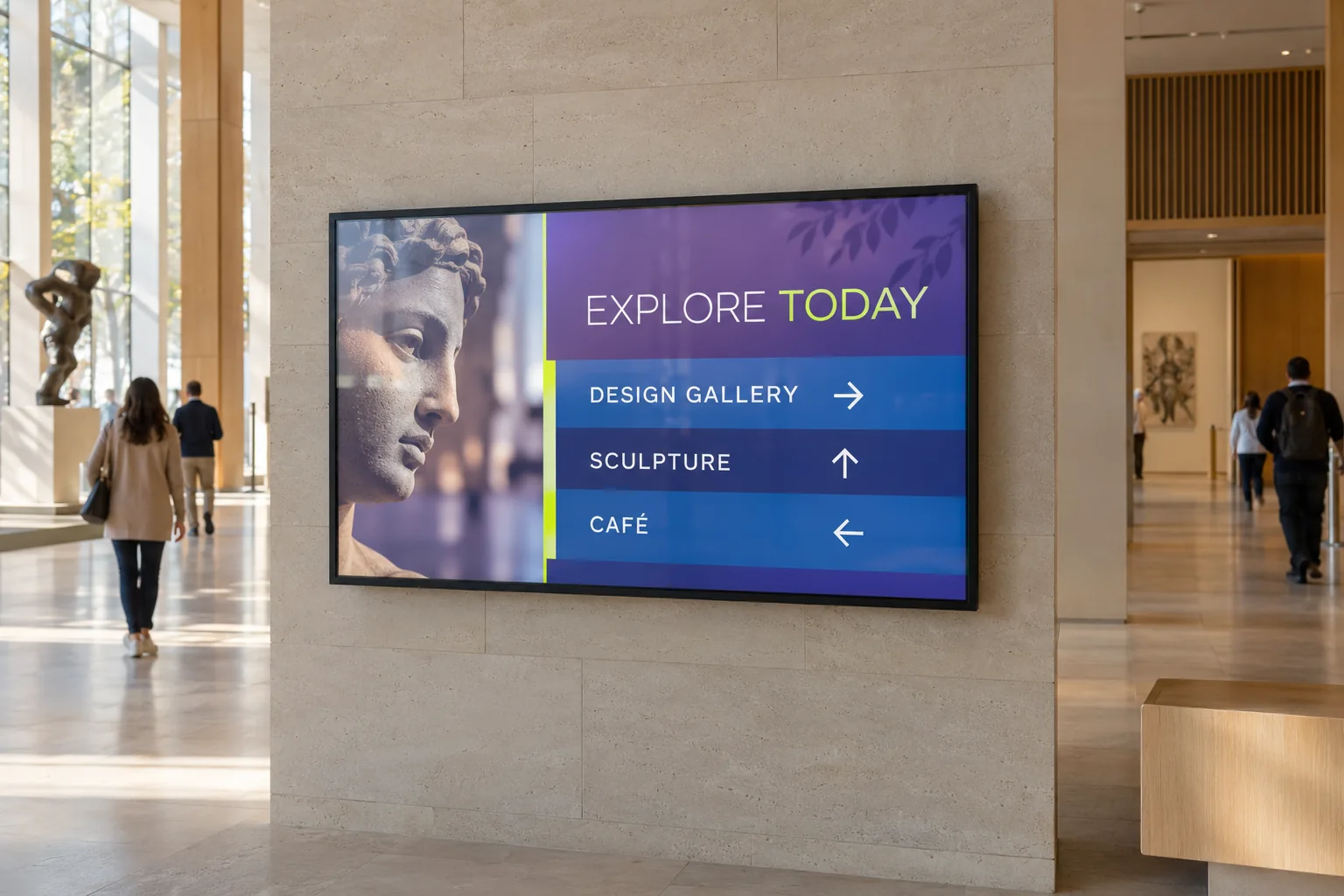
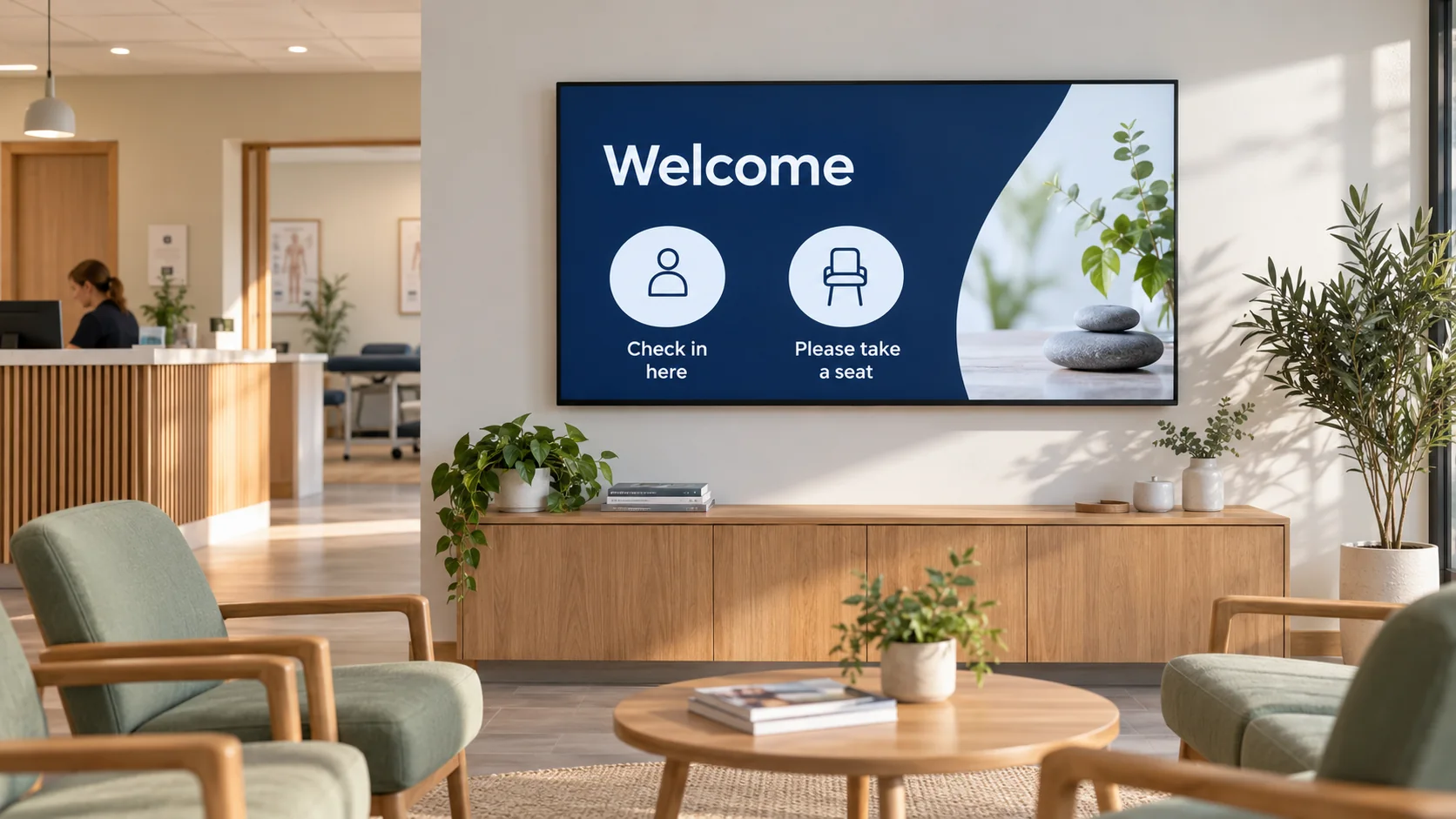
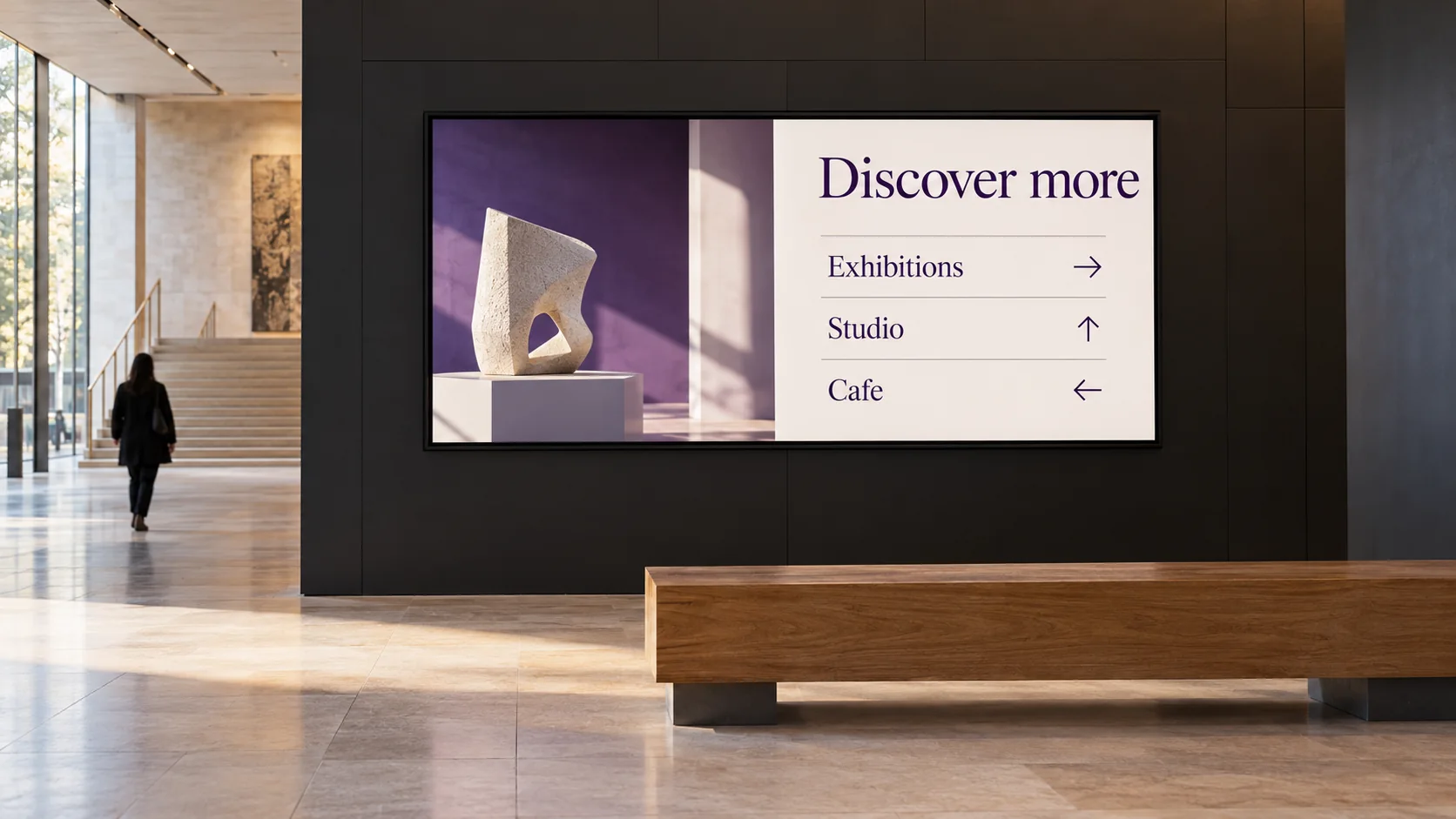
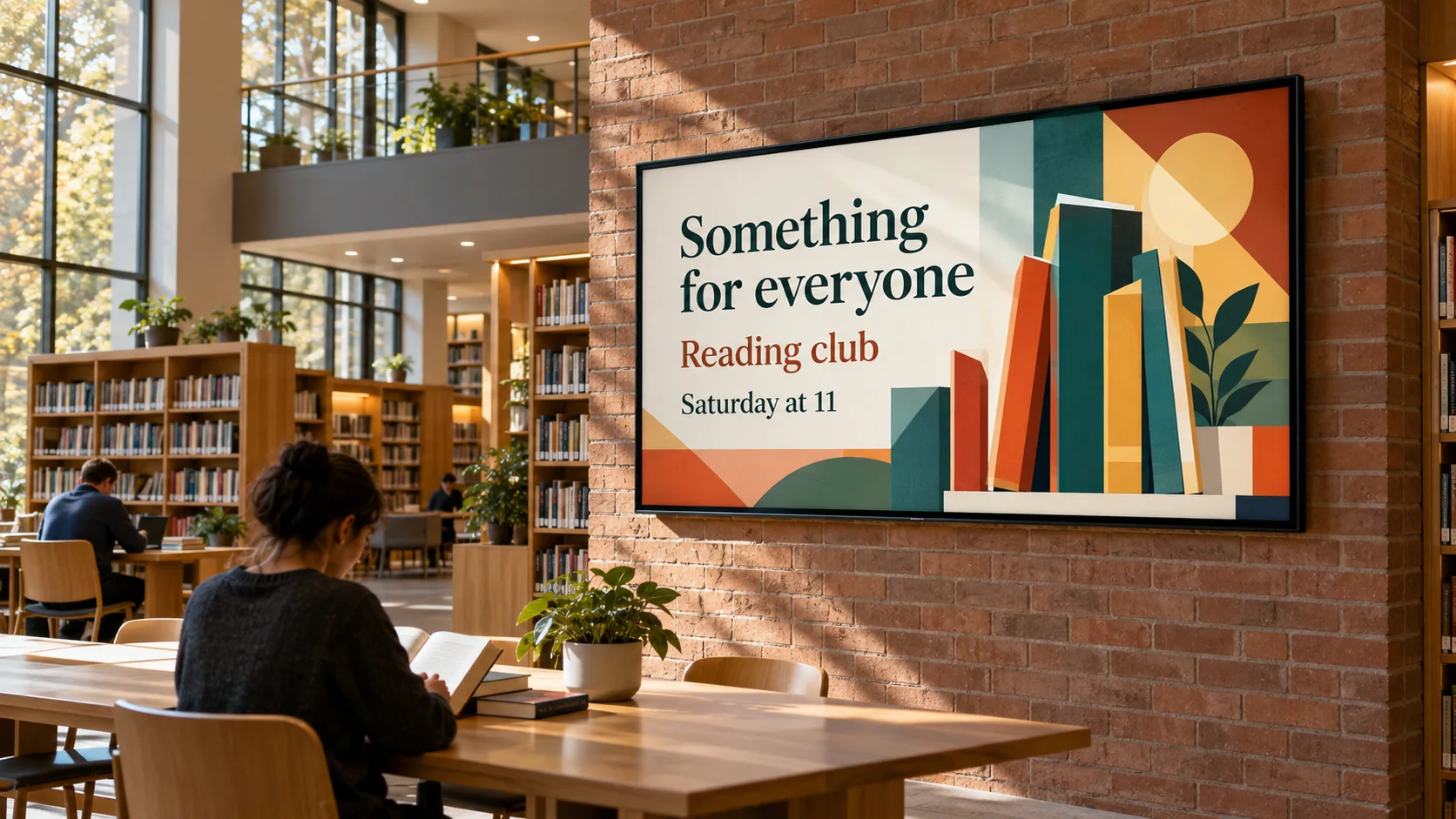
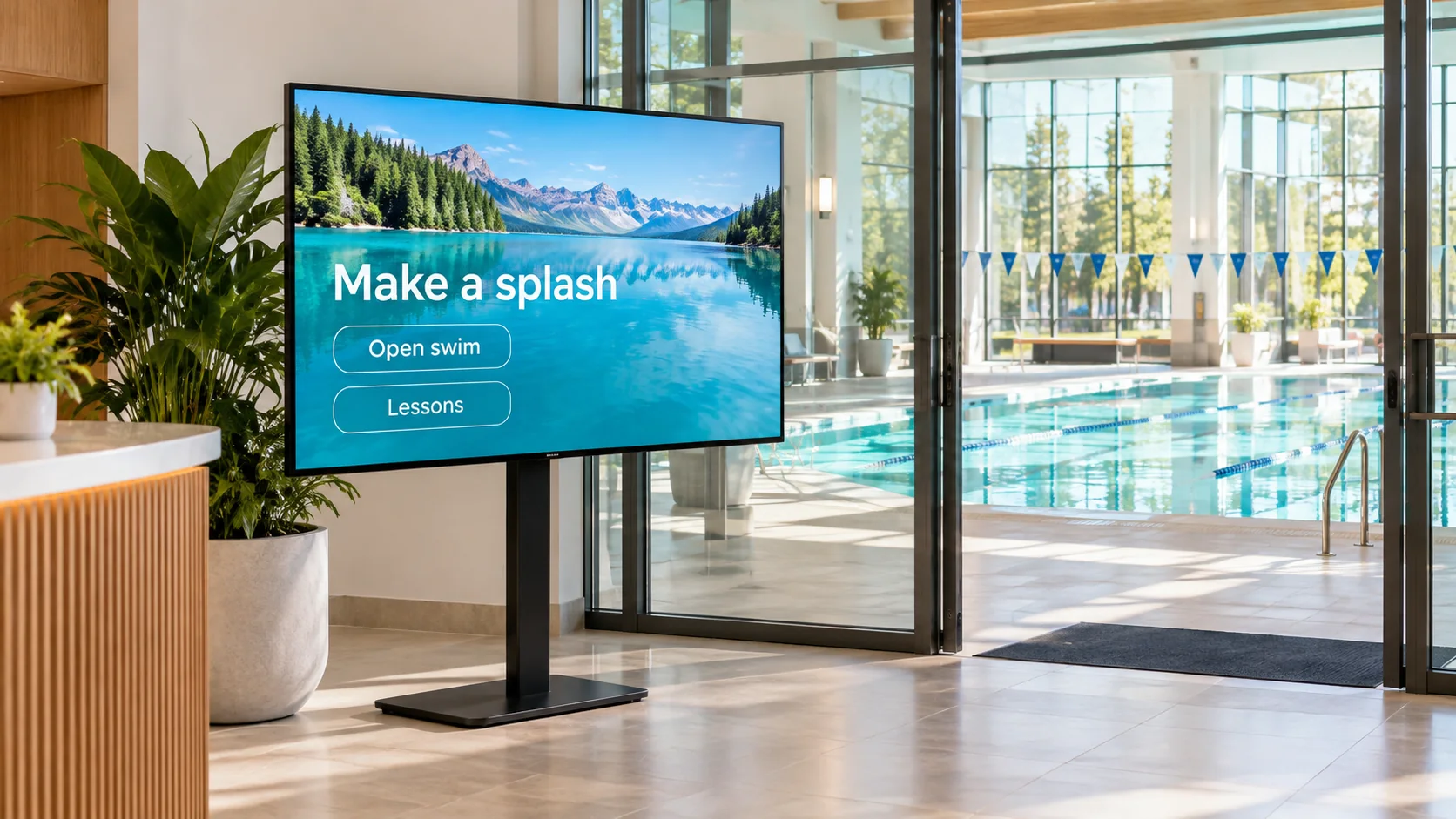
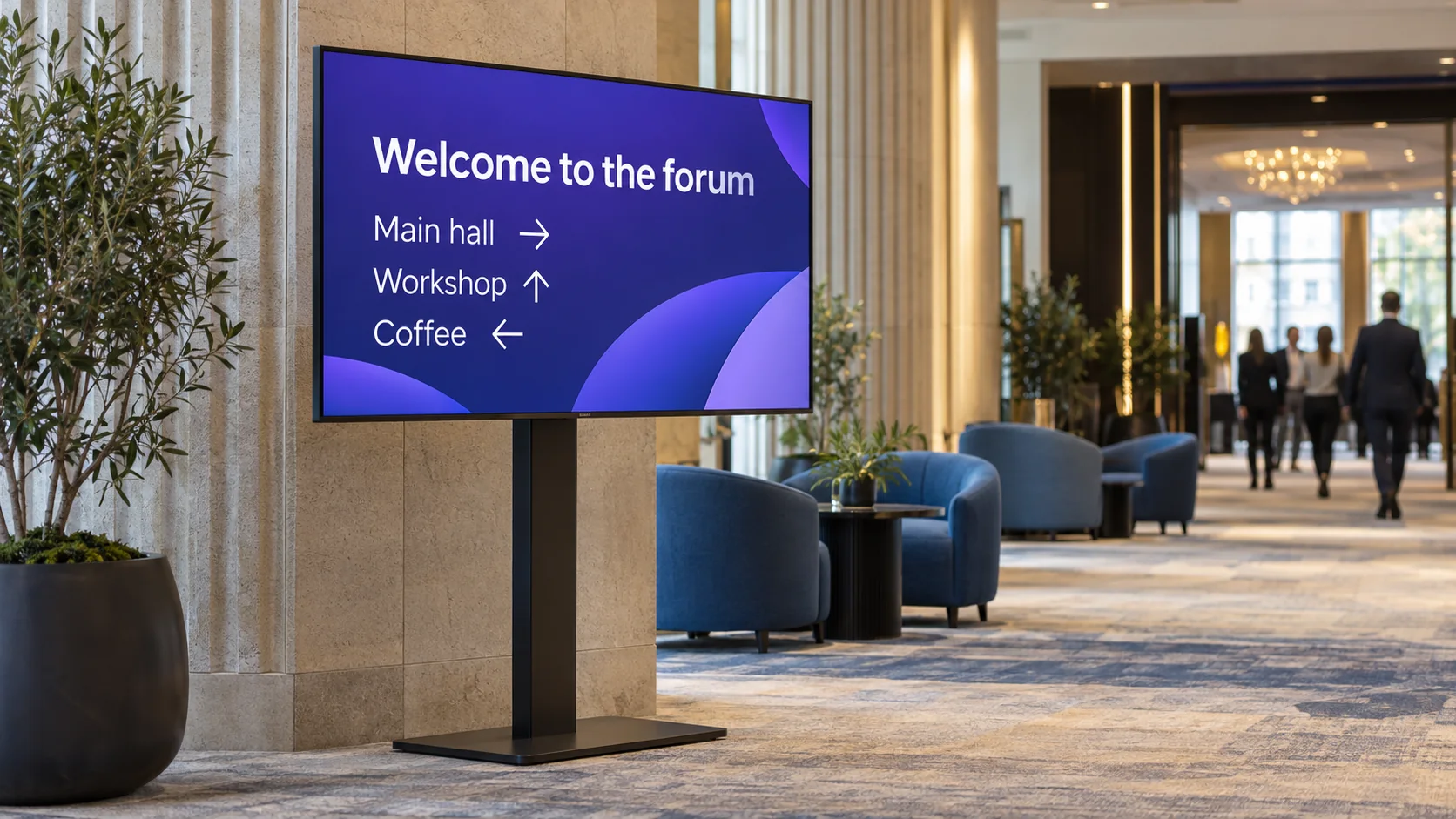
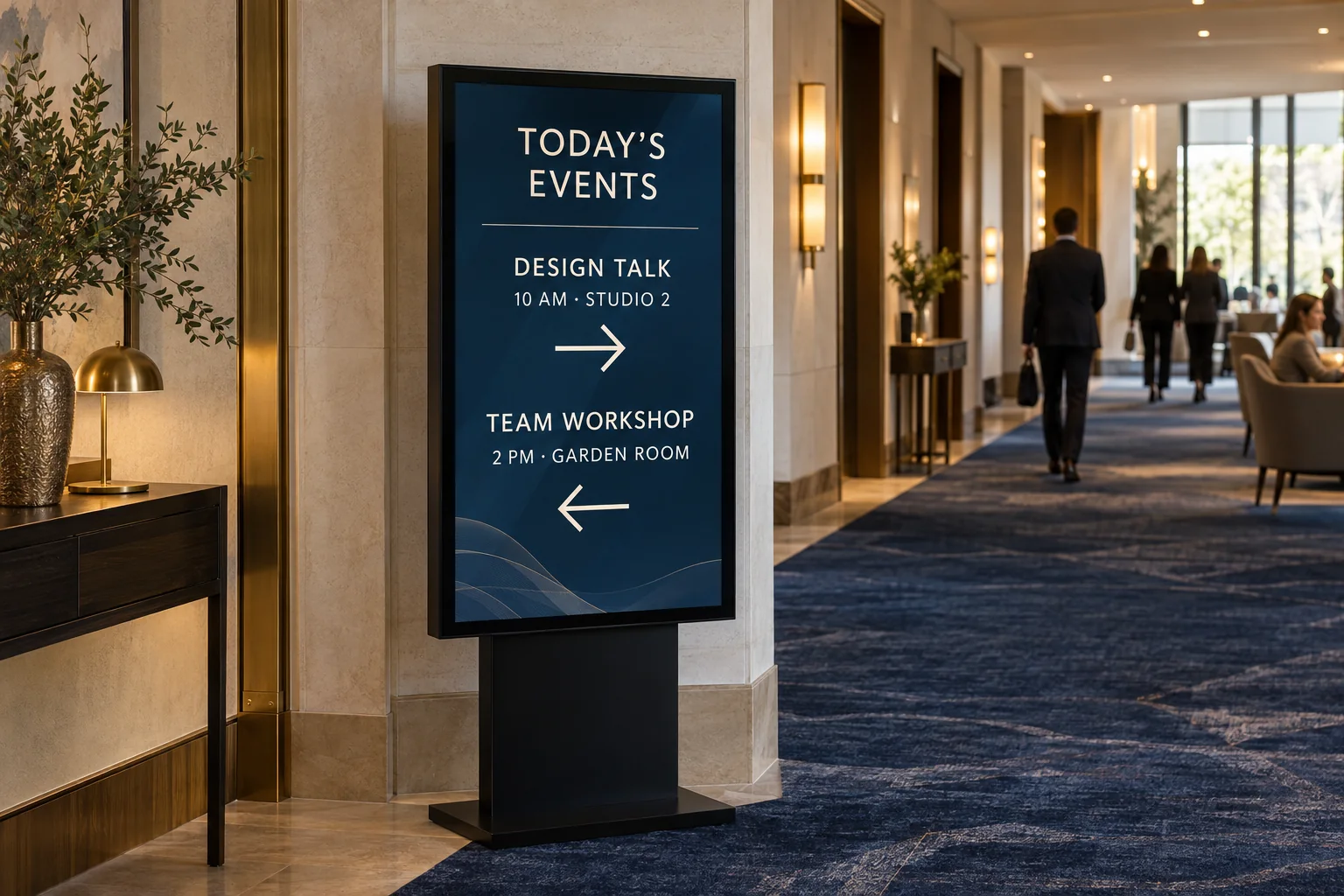
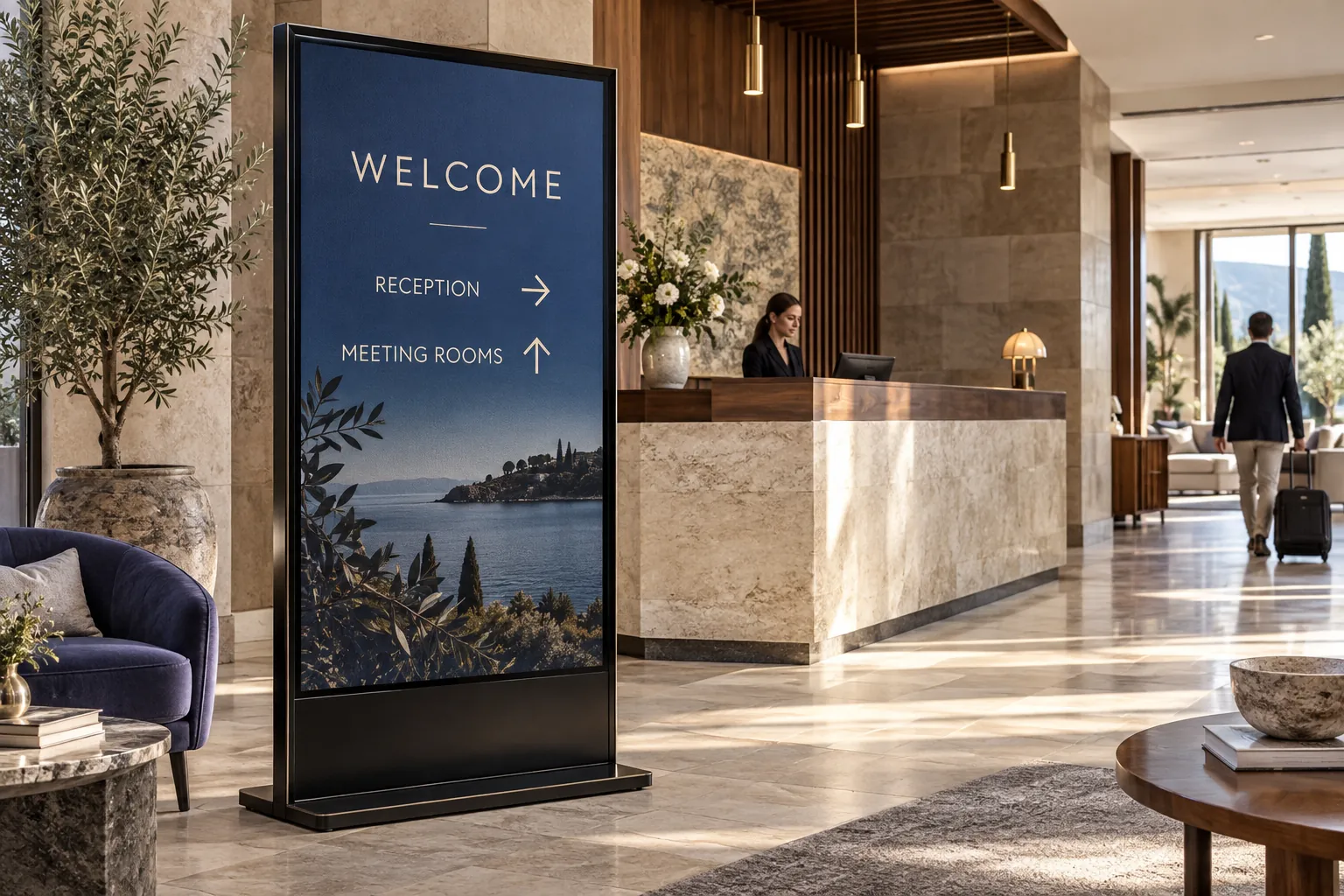
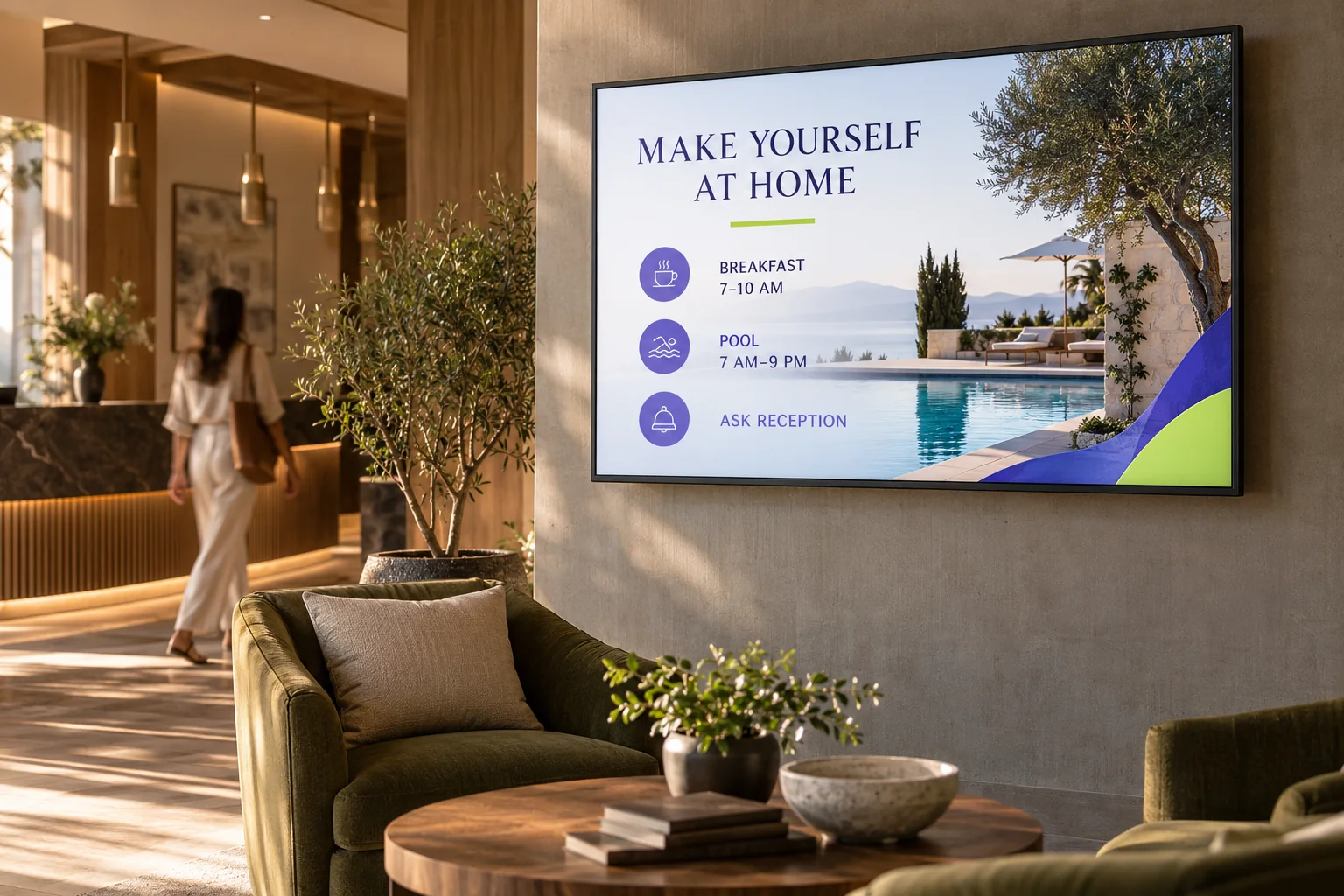
Welcome guests. Show them where to go.
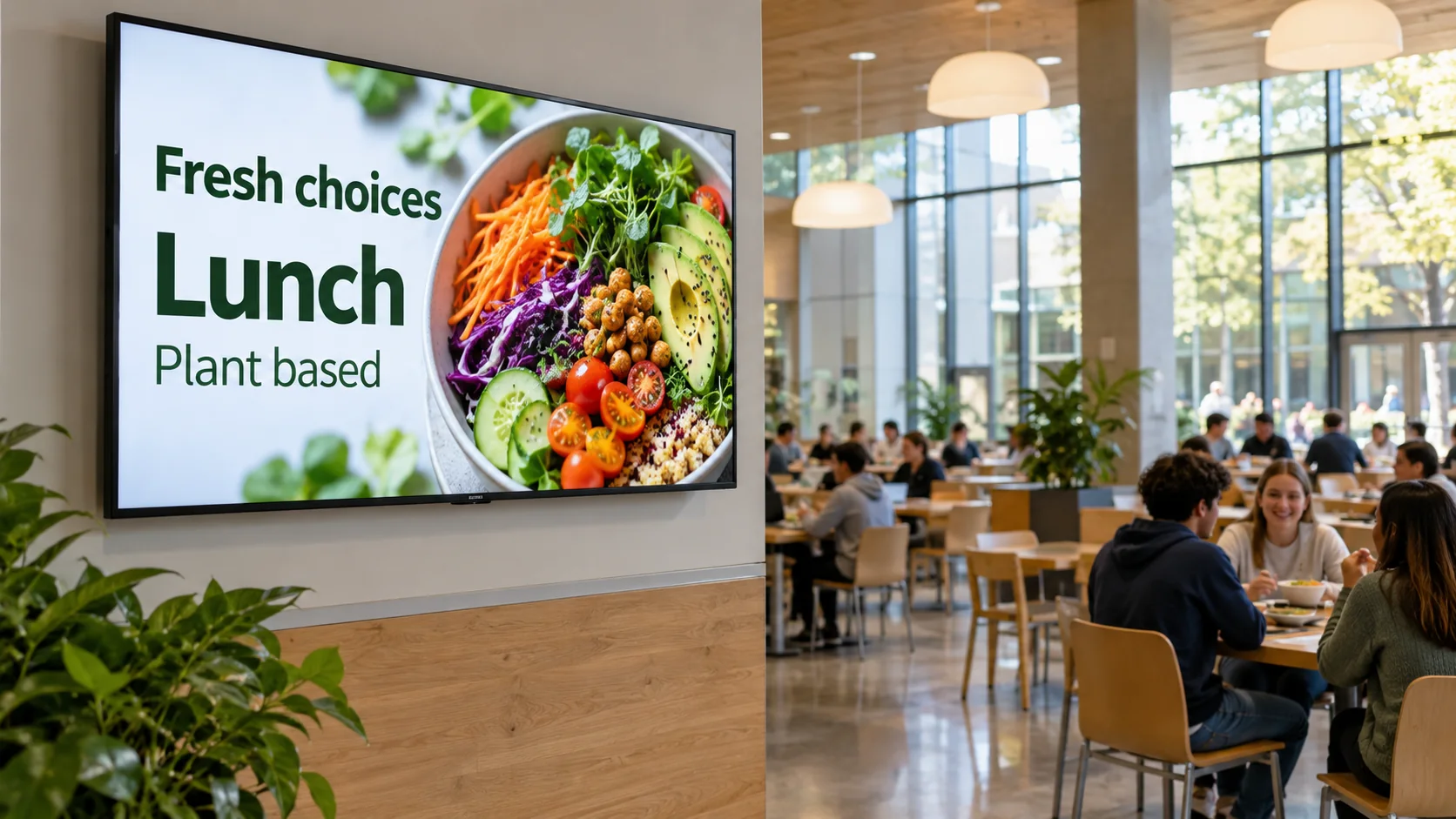
Share important updates where your team works.
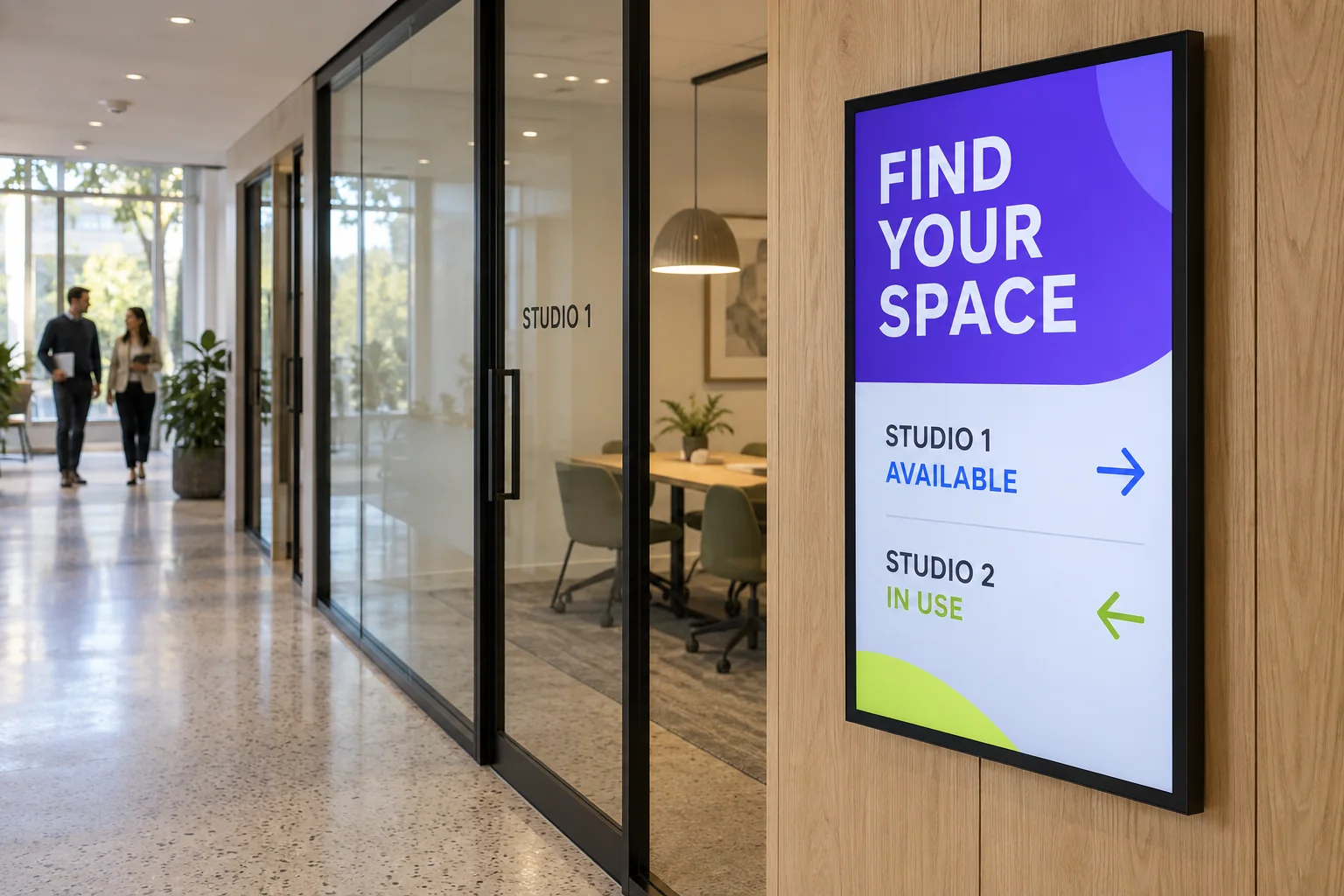
Share visitor information, not private patient details.

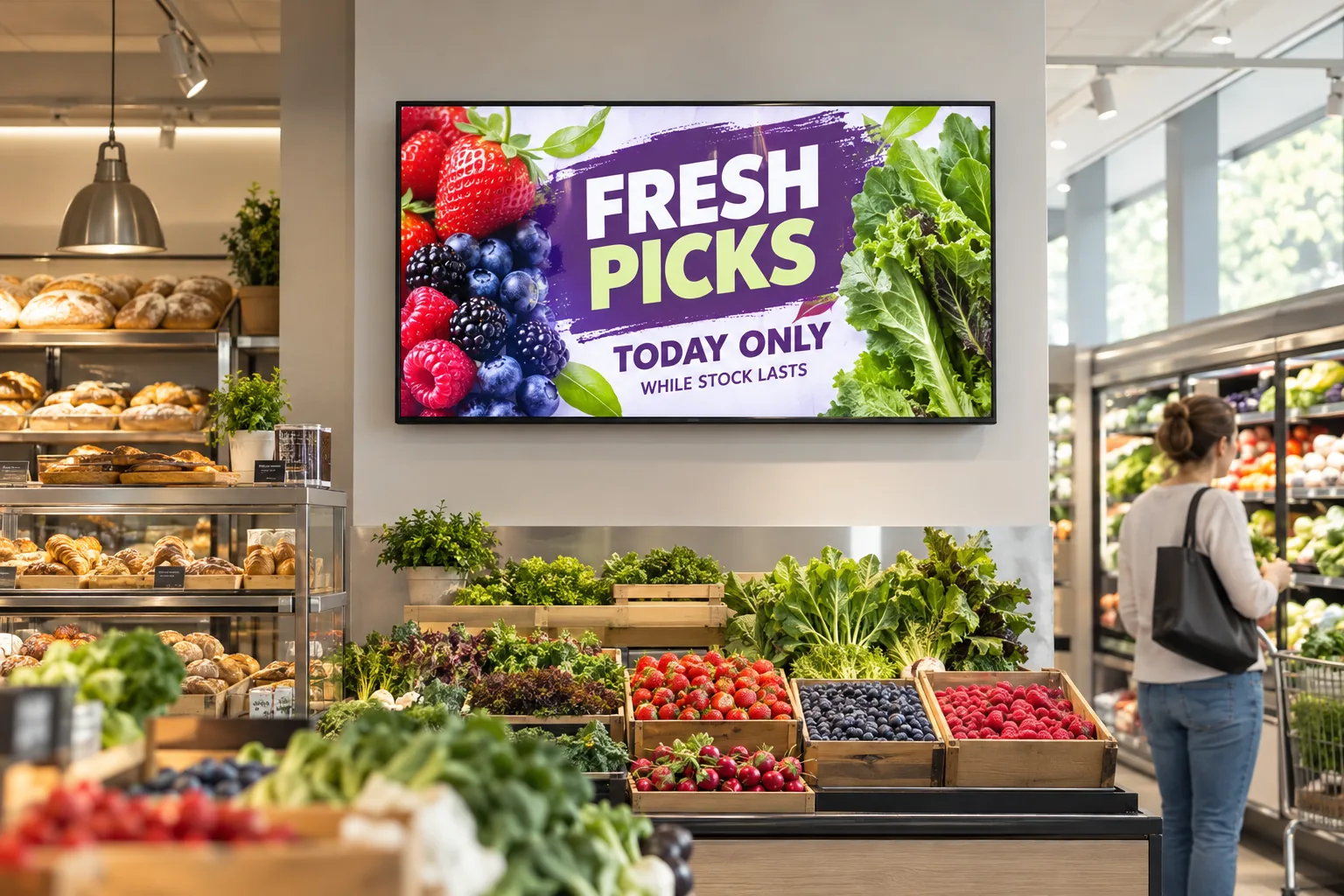
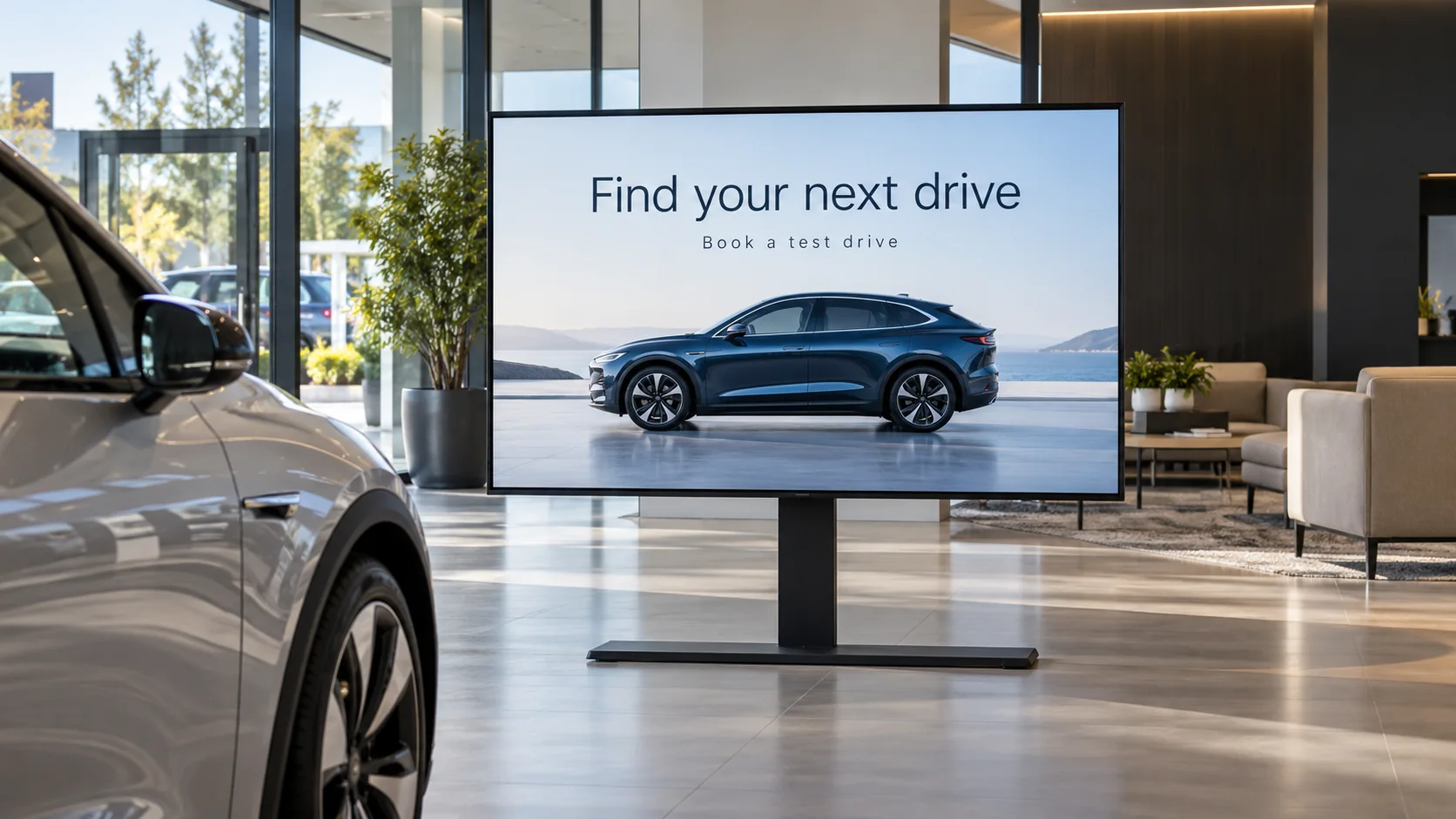
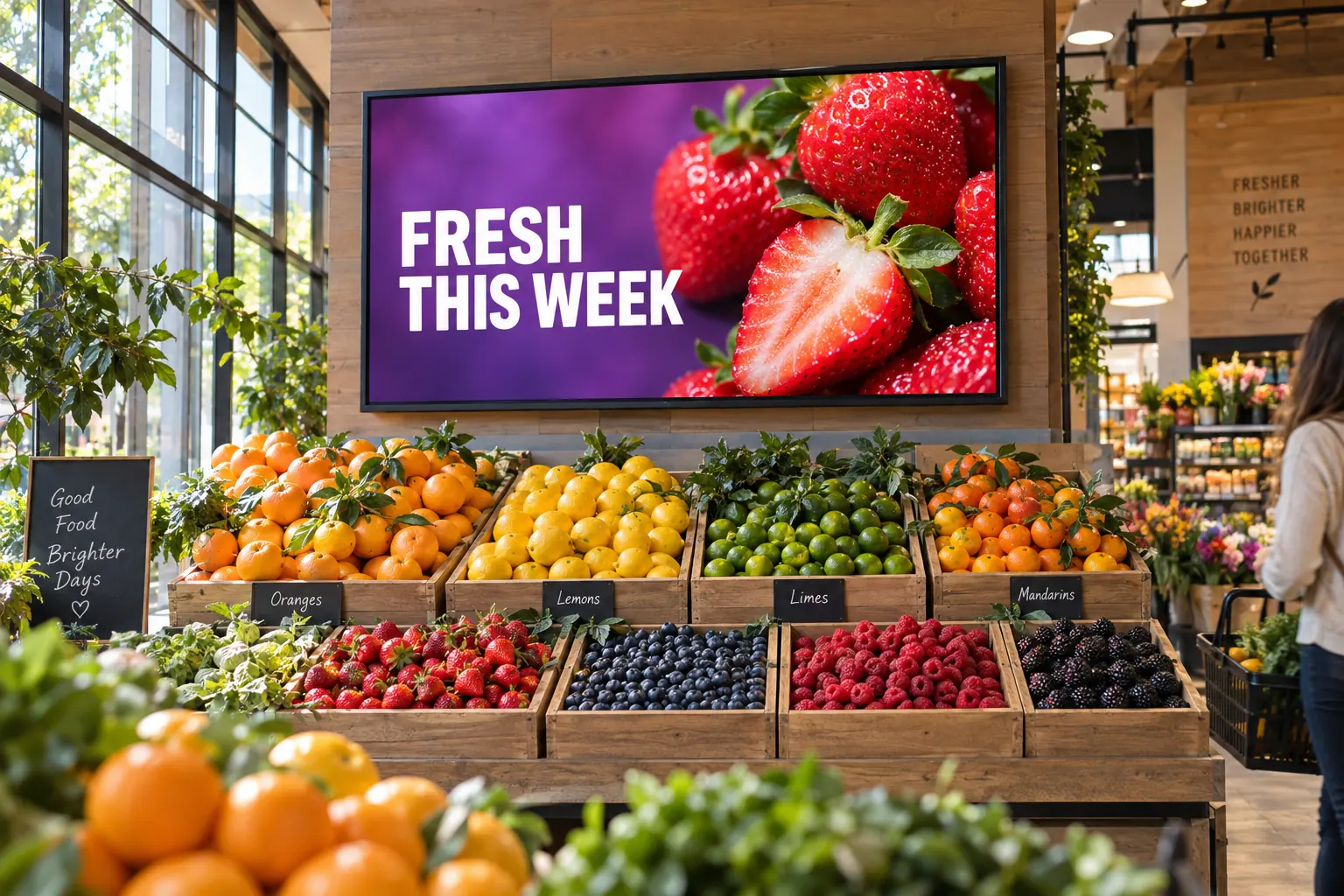
Show your latest products and offers.

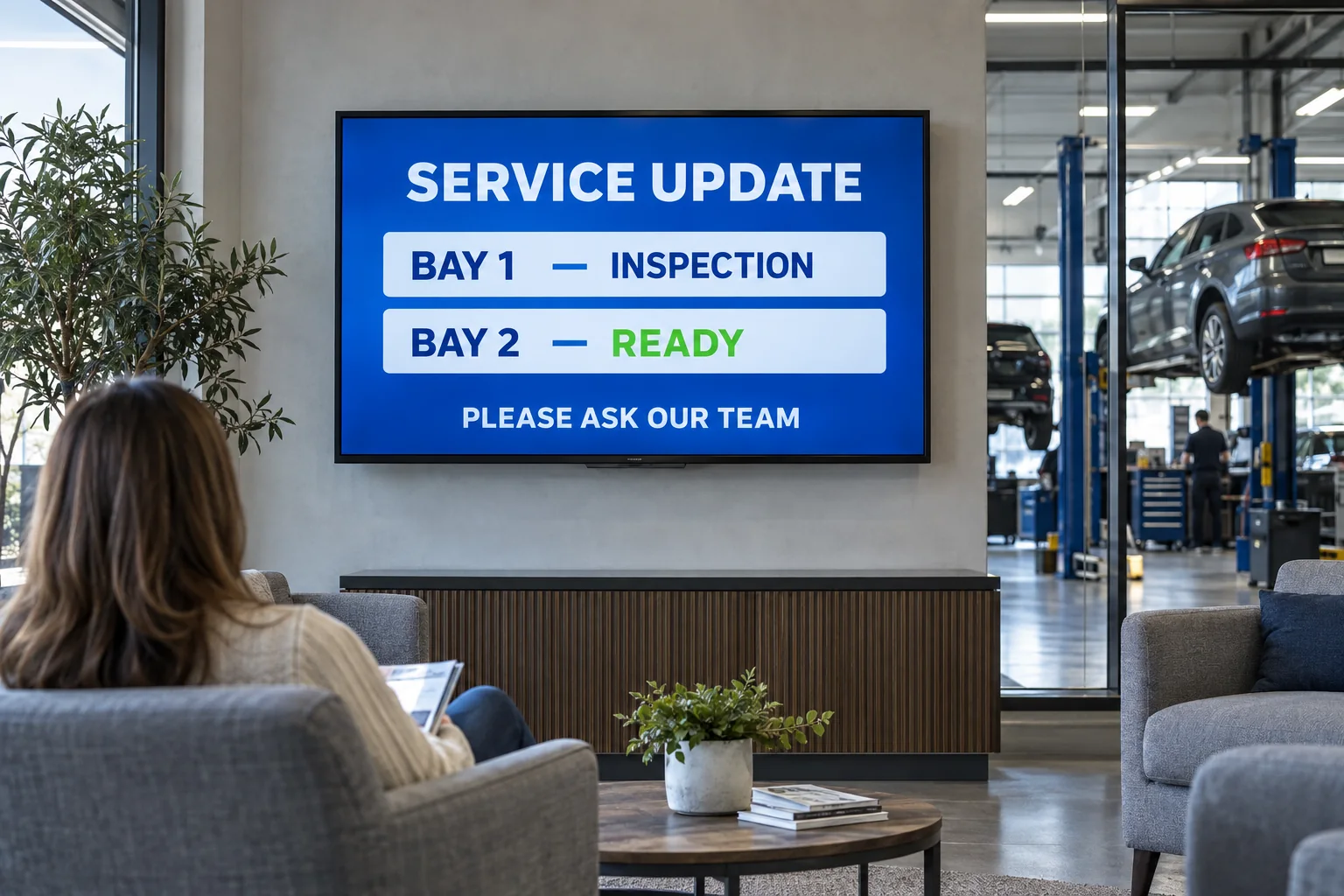
Keep your showroom and waiting area informed.
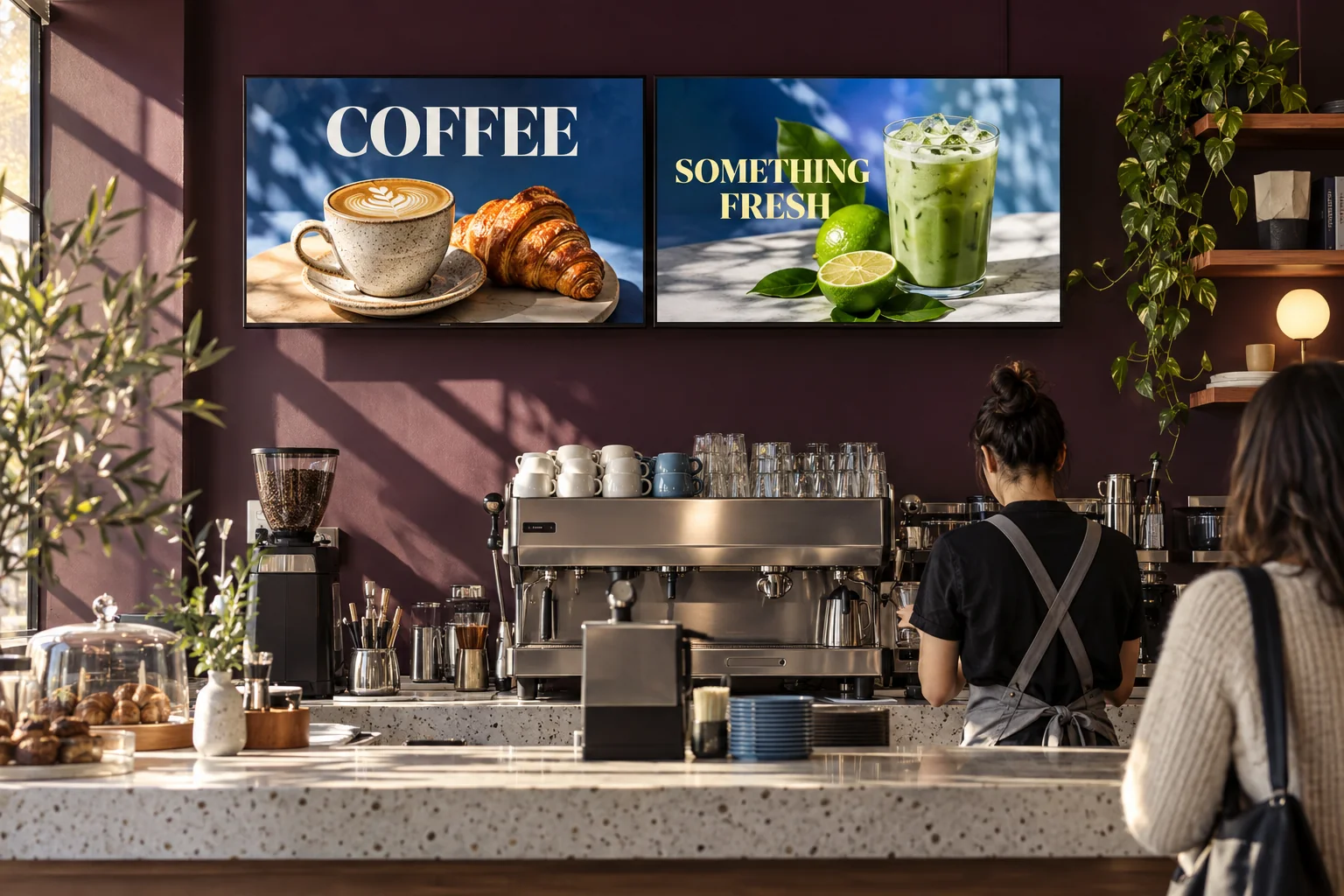
Food and drink offers for every stop.

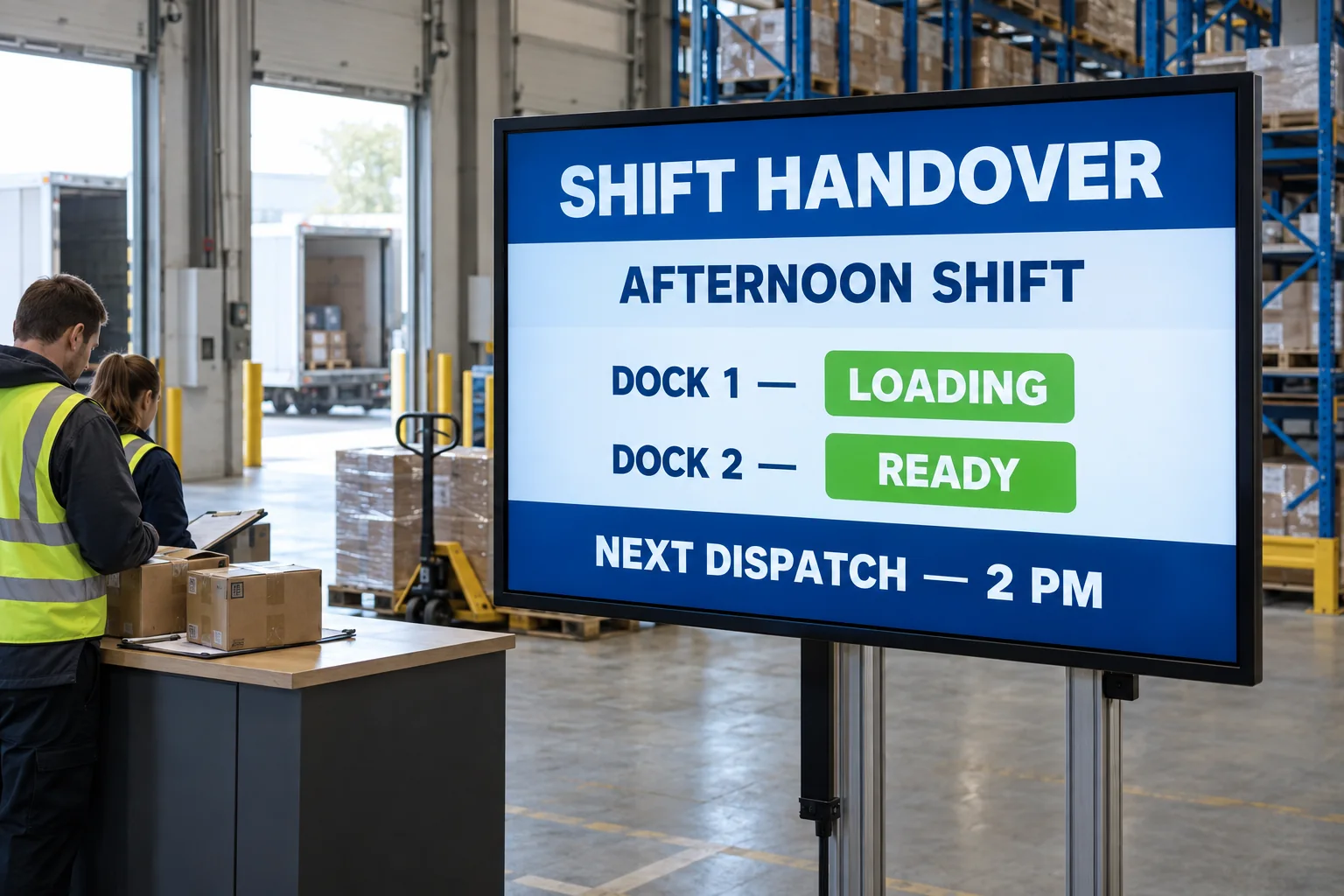
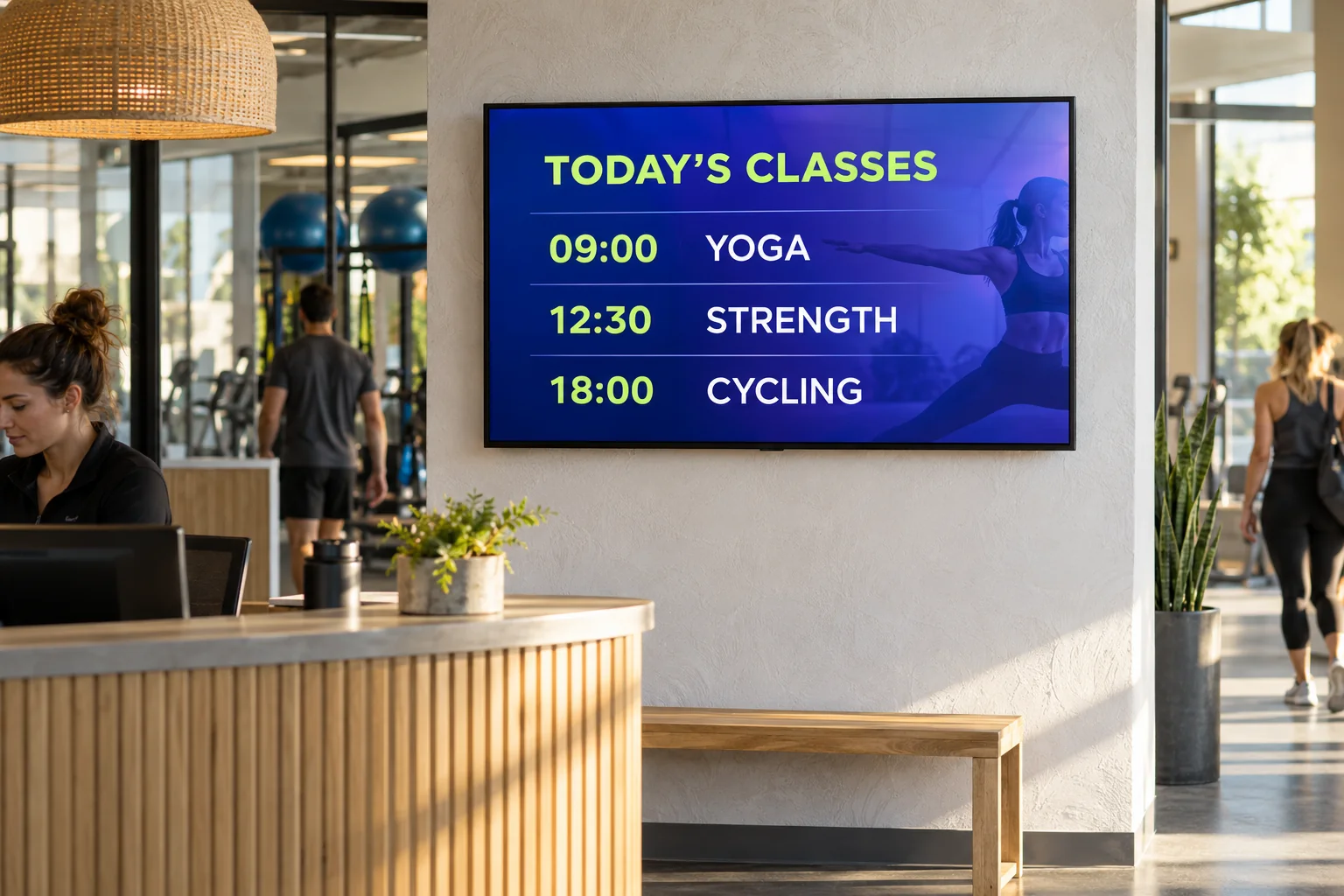
Put shift updates and instructions in plain sight.

Connect Toast on Pro or Business. Clover billing integration is available, too.
Connect Claude and ChatGPT on Pro or Business.
Explore connections
Supported players keep saved content playing without Wi-Fi.
Playback records. Playback reports: limited release. Sales attribution: not ready yet.
Explore screen management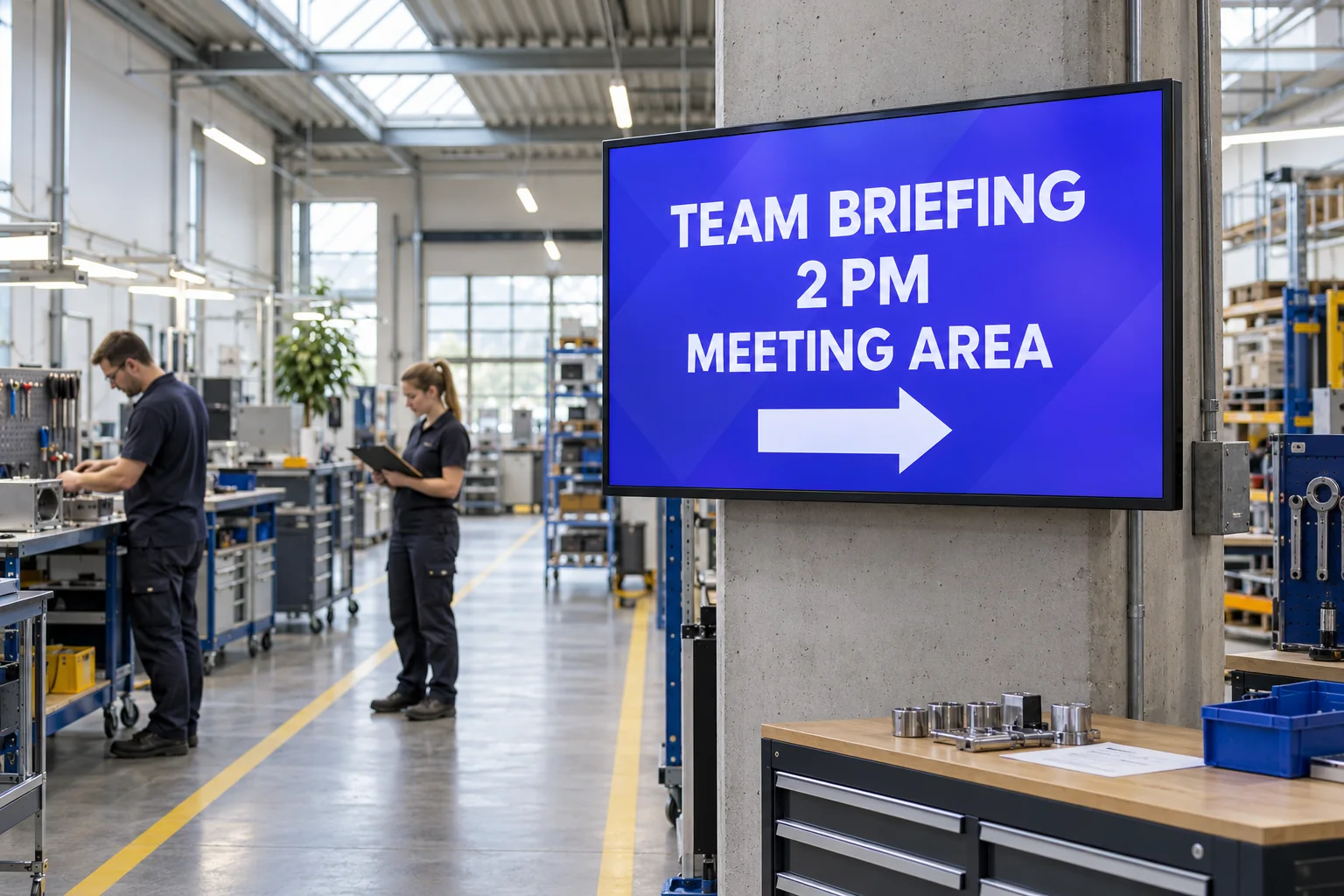
Review the update. Decide what goes live.
Publish approved content to the TVs you choose.
Explore content approval
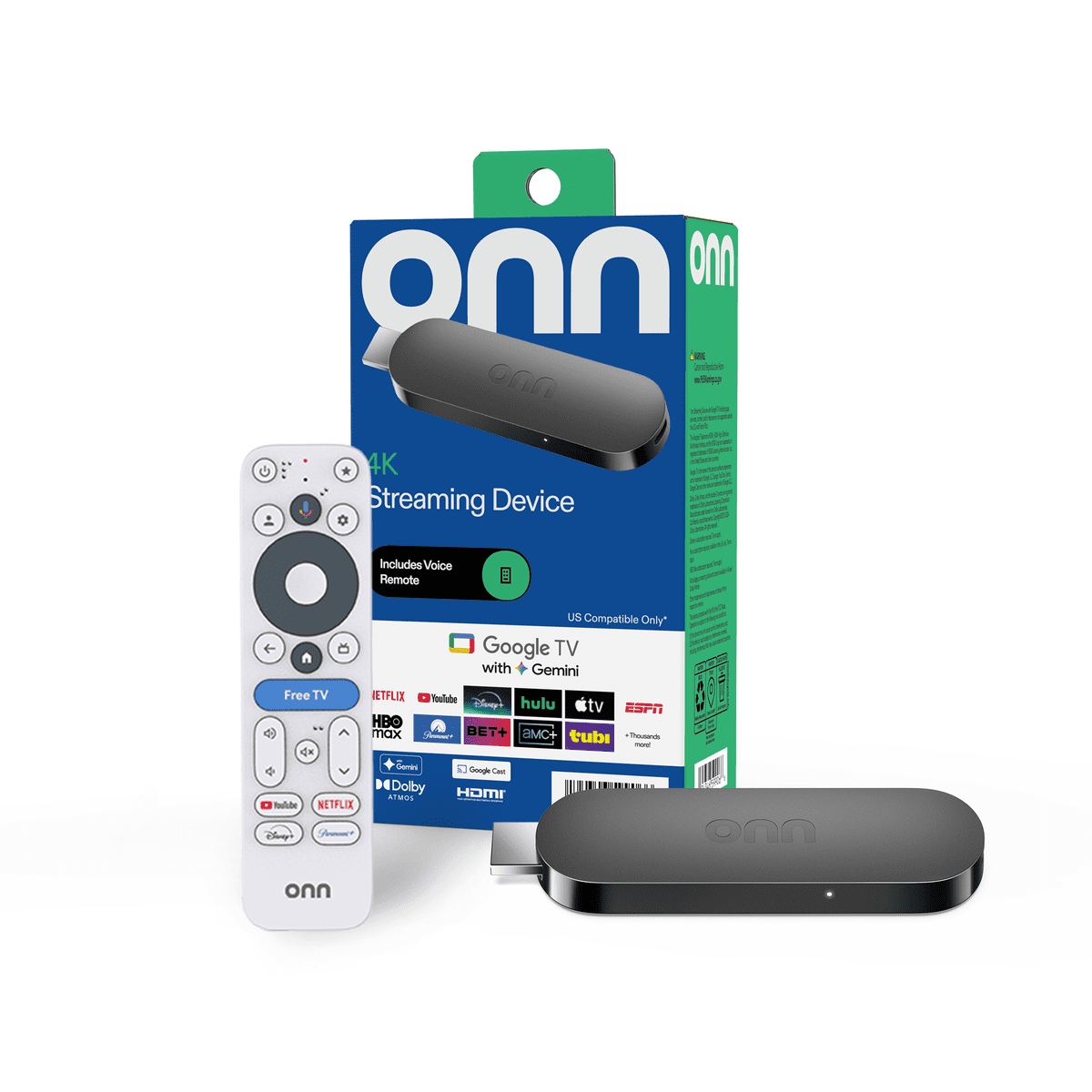
Add Google TV and ScreenFire to an HDMI display.
Buy at WalmartOpens in a new tab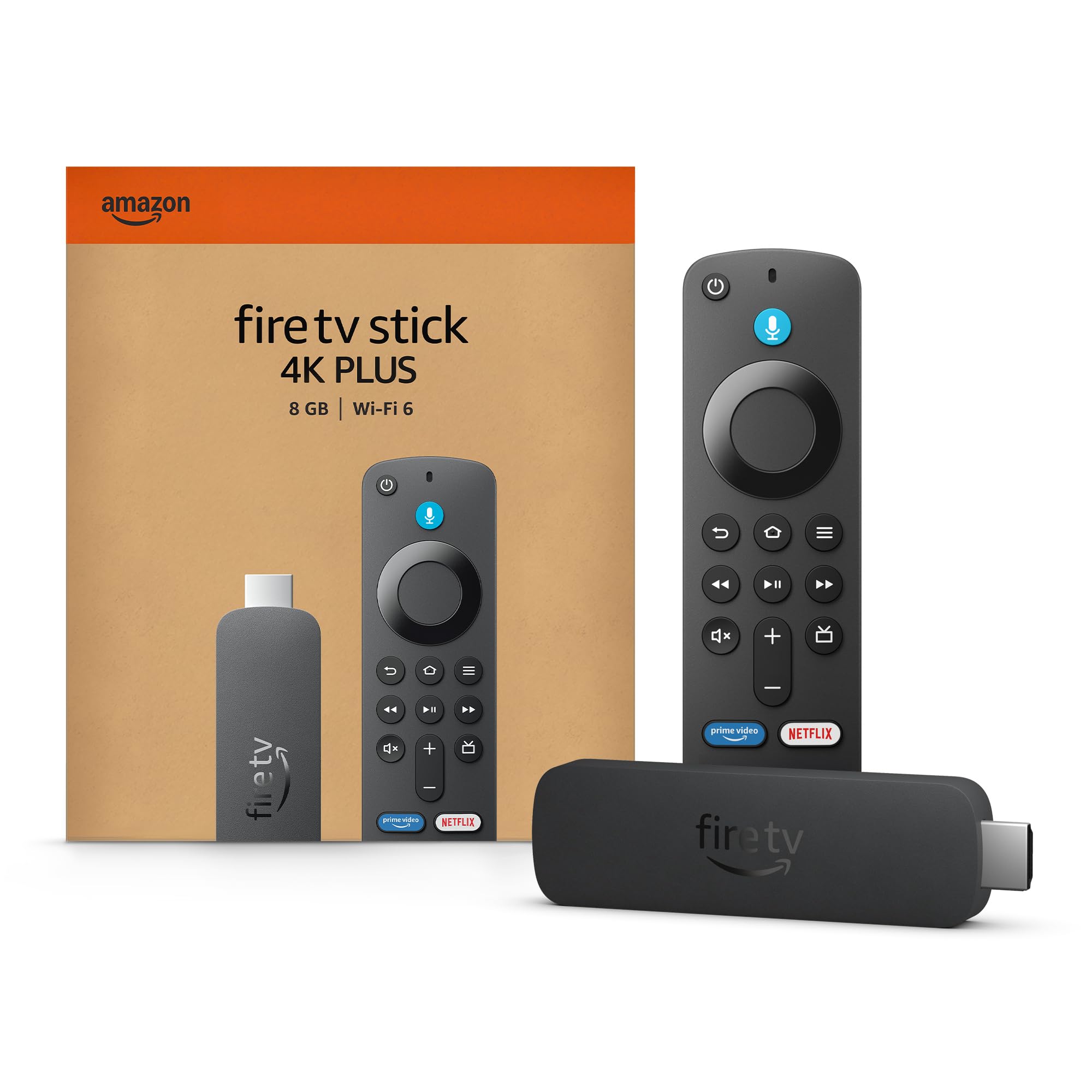
Add Fire TV and ScreenFire to an HDMI display.
Buy the 4K Plus at AmazonOpens in a new tabIf it has HDMI, add an onn. 4K device or Fire TV Stick, install ScreenFire, and connect it.
HDMI. Power. Wi-Fi.
External retailer links. Product availability, pricing, compatibility, shipping, and returns are set by the retailer. ScreenFire software is sold separately.
The TV app shows your content. Change it from your phone or the web.
Update your screens and check what is playing.
Also on the Apple App Store for iPhone.
Hover a row to pause its movement. Touch or focus to stop both rows and browse every setting with Tab or horizontal scrolling.
New to screen software? Start here.
ScreenFire helps you create, review and publish menus, offers and updates to connected TVs.
No. Use a supported TV, or connect a compatible onn. device or Fire TV Stick through HDMI. The player needs power and Wi-Fi. Hardware is sold separately.
Yes. Free includes 25 monthly credits and up to 10 connected screens. It is a permanent plan, not a trial.
There is no per-screen subscription fee. Paid plans currently support up to 100 screens per business. One publish costs 1 credit, even when it reaches several screens.
No. Publish menus, offers and updates for stores, hotels, service businesses and workplaces too. Connect Toast for live menus, Clover for subscriptions, and Claude or ChatGPT to work with your screens.
No. Monthly credits refresh each billing cycle and do not roll over. They are used before purchased credits. Purchased credits do not expire: they are kept for as long as your business account exists.