
Guest information, throughout your property.
Show useful guest information and available services in the right place.
Publish your own content today. Automatic data updates need a supported integration. Broader automation and outcome measurement are not generally available.
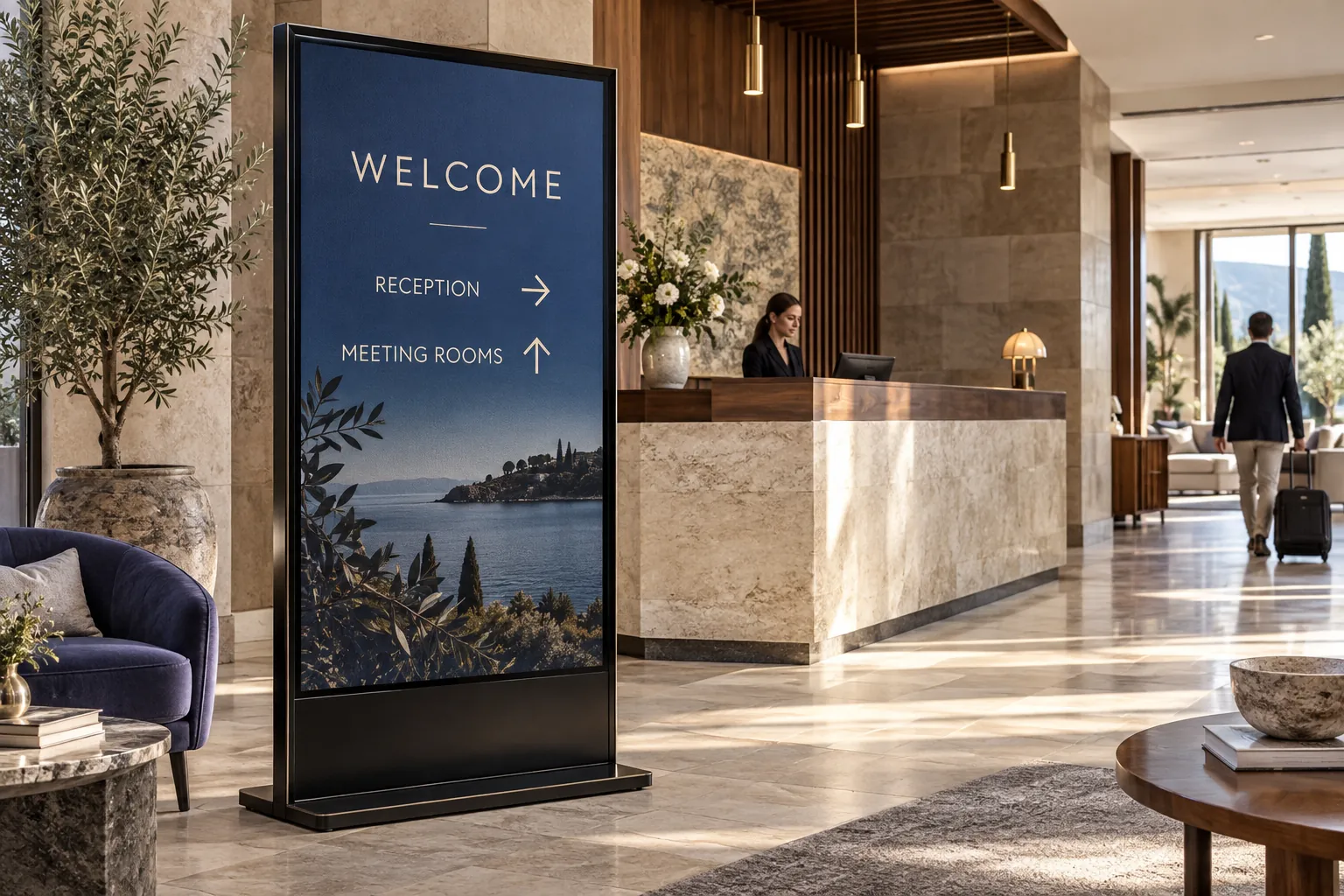
What changed
Connect what is happening across the property.
Bring in occupancy, service capacity, opening hours, and events.
OccupancyGuests staying now
ServicesHours and capacity
EventsRoom and schedule
ScreenLobby or corridor
Before publishing
Check the guest information.
Check service hours, available capacity and event details before approving the update.
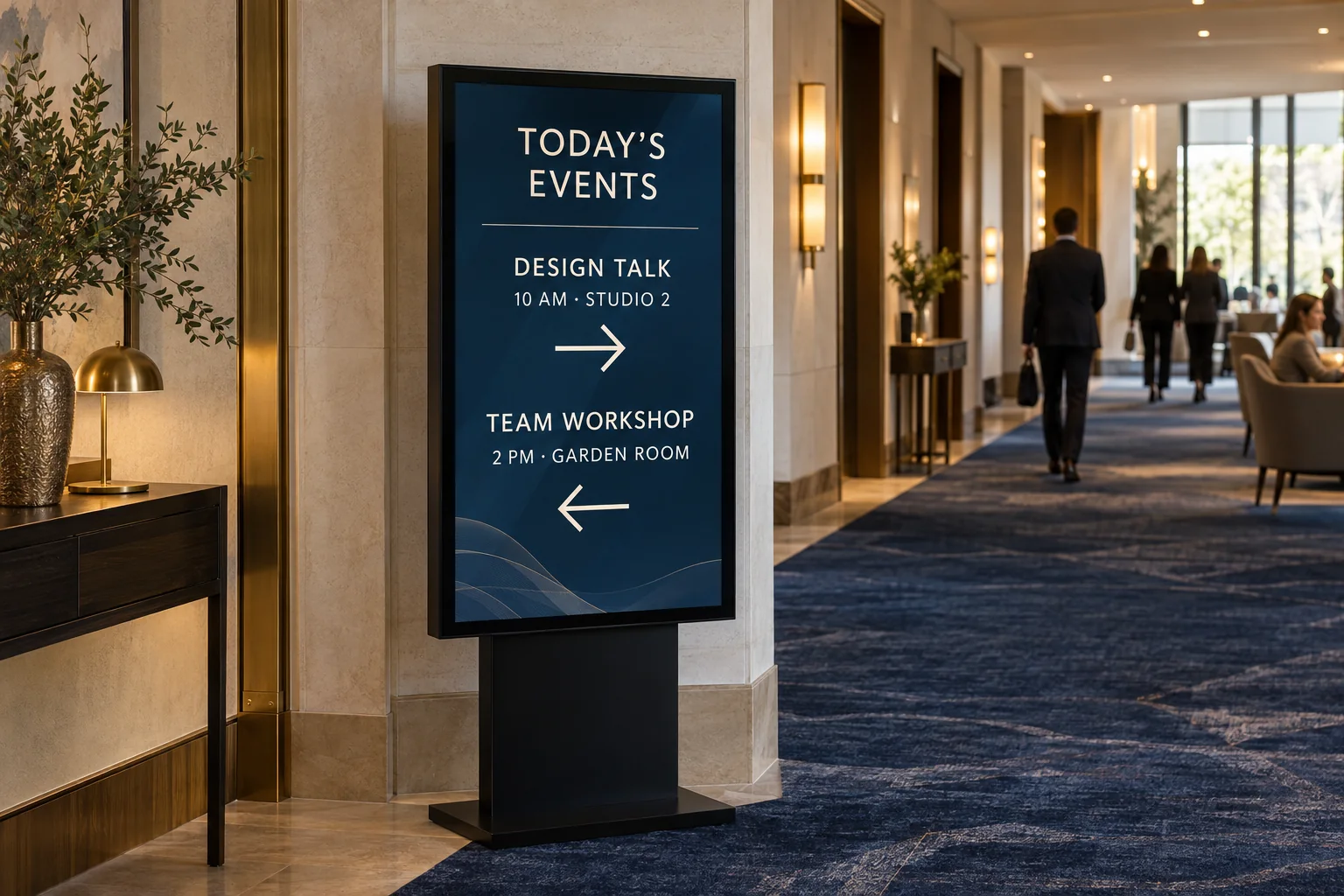
What the screen shows
Guide the guest with information that is still relevant.
Show available services, current events, upgrades, and practical guest guidance.
- Show directions where guests need to turn.
- Promote a service only while the property can provide it.
- Remove event directions when the event ends.
What you can learn
Measure response without inventing a success story.
Review service use and guest actions as connected measurement becomes available.
Measurement planCheck what changed, not just what played.
What to measureService useGuest responseCompleted actions
What to recordProperty detailsWhen the update ranPlayback record
Record each update, then compare the data with your baseline.
A hospitality screen is useful when it matches what the property can offer and what the guest can do next.