Free runs up to 10 screens. Paid plans add AI images, motion graphics, and more credits, with no per-screen fee. Pro and Business also connect your point of sale.
Credits includedMonthly
Free
Publish and lay out up to 10 screens. Free is a permanent plan, not a trial.
$0/ month
25monthly credits
Example monthly mix5 AI screen layouts + 20 publishes
Prices are in US dollars and exclude taxes, hardware, installation, and custom integrations. Usage examples are illustrative; credits can be combined in any way.
Paid plans have no per-screen fee. The current technical limit is 100 screens per business. Free includes up to 10 screens, and its limits may change.
Keep your TV. Choose your player.
Starting with an existing screen? You need a compatible HDMI player, power and Wi-Fi.
One charge however many screens it reaches. Delivery retries and reconnections are not charged.
Credit cost
1credit
AI screen layout
Charged for each screen the AI lays out. Included on every plan.
Credit cost
6credits
Create an AI image
Starter, Pro, and Business. You pay only when the image is created.
Credit cost
8credits
Create a motion graphic
An animated promo built from motion templates. Starter, Pro, and Business.
Credit cost
0.25credits
Message the Firy assistant
Each message you send to Firy, the ScreenFire assistant.
Credit cost
0credits
Failed generation
If creation fails, the reserved credits return automatically.
Credit cost
0credits
Board updates after a sync
On Pro and Business, menu boards update after a point-of-sale sync at no charge.
Credit cost
0credits
Connect, monitor, and play
Connecting screens, monitoring them, and playback never use credits.
Extra credits
Add credits without changing plans.
Available on every plan. On Free, packs cost twice as much. Monthly credits are used first, and purchased credits do not expire: they are kept for as long as your business account exists.
Point-of-sale connection (live menu boards from Toast)
Not included
Not included
Included
Included
Claude and ChatGPT connectors
Not included
Not included
Included
Included
Credit costs
Capability
Free
Starter
Pro
Business
One publish, any number of screens
1 credit
1 credit
1 credit
1 credit
AI screen layout, per screen
1 credit
1 credit
1 credit
1 credit
One AI image
Not available
6 credits
6 credits
6 credits
One motion graphic
Not available
8 credits
8 credits
8 credits
One Firy assistant message
0.25 credits
0.25 credits
0.25 credits
0.25 credits
Failed generation
0 credits
0 credits
0 credits
0 credits
Board updates after a point-of-sale sync
Not available
Not available
0 credits
0 credits
Connecting screens, monitoring, and playback
0 credits
0 credits
0 credits
0 credits
Extra credit packs
Capability
Free
Starter
Pro
Business
50 credits
$24
$12
$12
$12
150 credits
$64
$32
$32
$32
500 credits
$198
$99
$99
$99
1,500 credits
$558
$279
$279
$279
Monthly credits roll over
No
No
No
No
Purchased credits
Kept while your account exists
Kept while your account exists
Kept while your account exists
Kept while your account exists
FAQ
Questions?
Answers.
What uses ScreenFire credits?
Publishing to screens costs 1 credit, an AI screen layout costs 1 credit for each screen it lays out, an AI image costs 6 credits, a motion graphic costs 8 credits, and a message to the Firy assistant costs 0.25 credits. Connecting screens, monitoring, playback, and automatic board updates after a point-of-sale sync use no credits.
Do more screens cost more? Does publishing to several screens cost more?
There is no per-screen subscription fee. Free connects up to 10 screens; paid plans currently connect up to 100 screens per business. Publishing and AI actions use credits, but sending one publish to more screens does not multiply its cost. No. One publish costs 1 credit however many screens it reaches. Delivery retries and screen reconnections are not charged.
What happens when an AI generation fails?
It costs nothing. ScreenFire reserves the credits while a layout, image, or motion graphic is being made and returns them automatically if it fails.
Do monthly credits roll over?
No. Monthly credits refresh each billing cycle and do not roll over. They are used before purchased credits. Purchased credits do not expire: they are kept for as long as your business account exists.
Can I buy more credits?
Yes, on every plan. On Starter, Pro, and Business, packs cost $12 for 50 credits, $32 for 150 credits, $99 for 500 credits, and $279 for 1,500 credits. On Free, the same packs cost twice as much: $24 for 50 credits, $64 for 150 credits, $198 for 500 credits, and $558 for 1,500 credits.
Is there a free trial? Which plans connect to my point of sale?
No. Free is a permanent plan, not a trial. Start on Free and upgrade when you need more screens, AI images, motion graphics, or a point-of-sale connection. Pro and Business. They connect to Toast and keep menu boards live, and the automatic board updates after each sync use no credits.
Can I change plans later?
Yes. Change plans any time from the Billing page in ScreenFire.
Are hardware and installation included? Are taxes included?
No. Compatible devices, optional players, installation, and custom integration work are quoted separately when needed. Taxes and regional billing details will be shown during checkout where they apply.

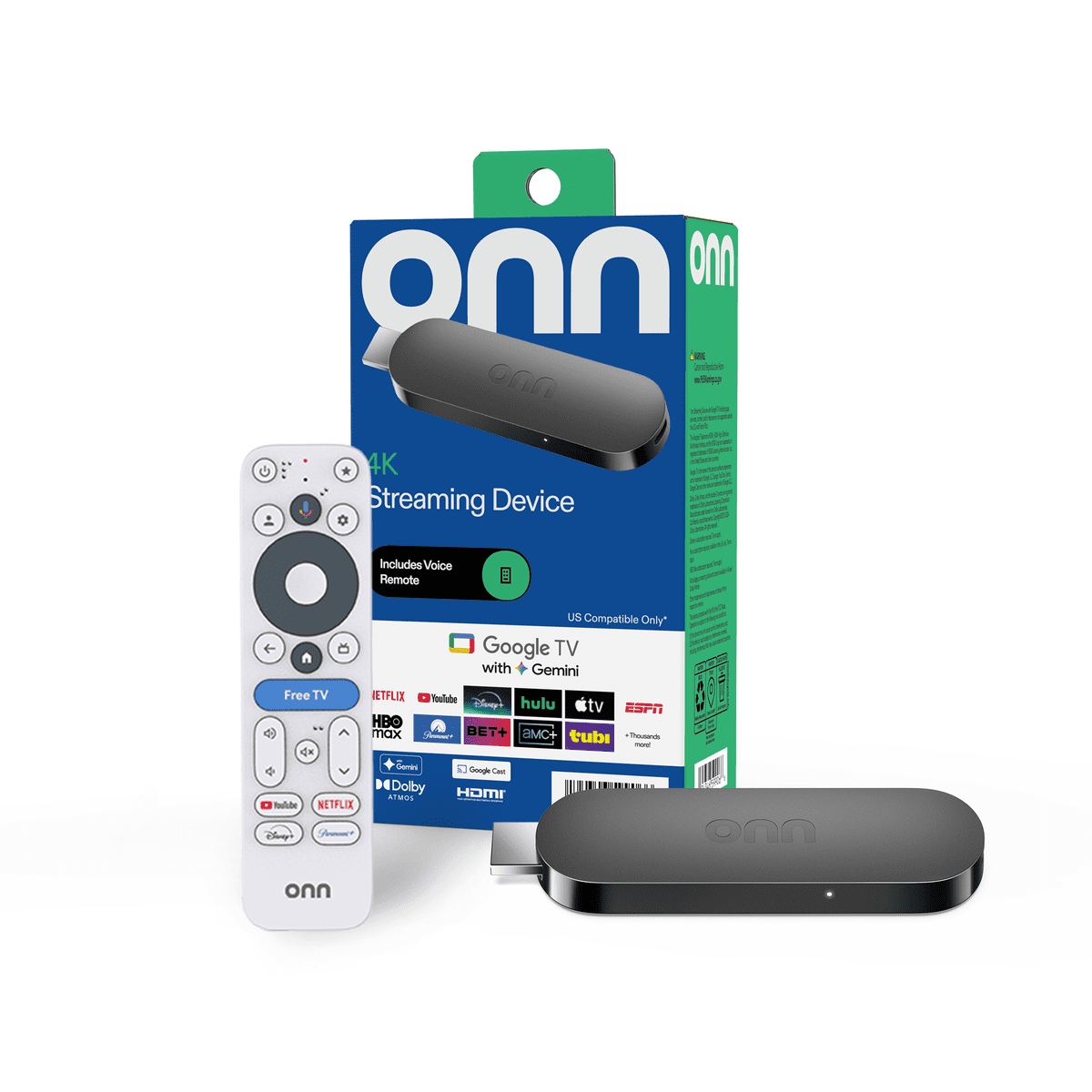 onn. 4K Streaming DeviceSold separately
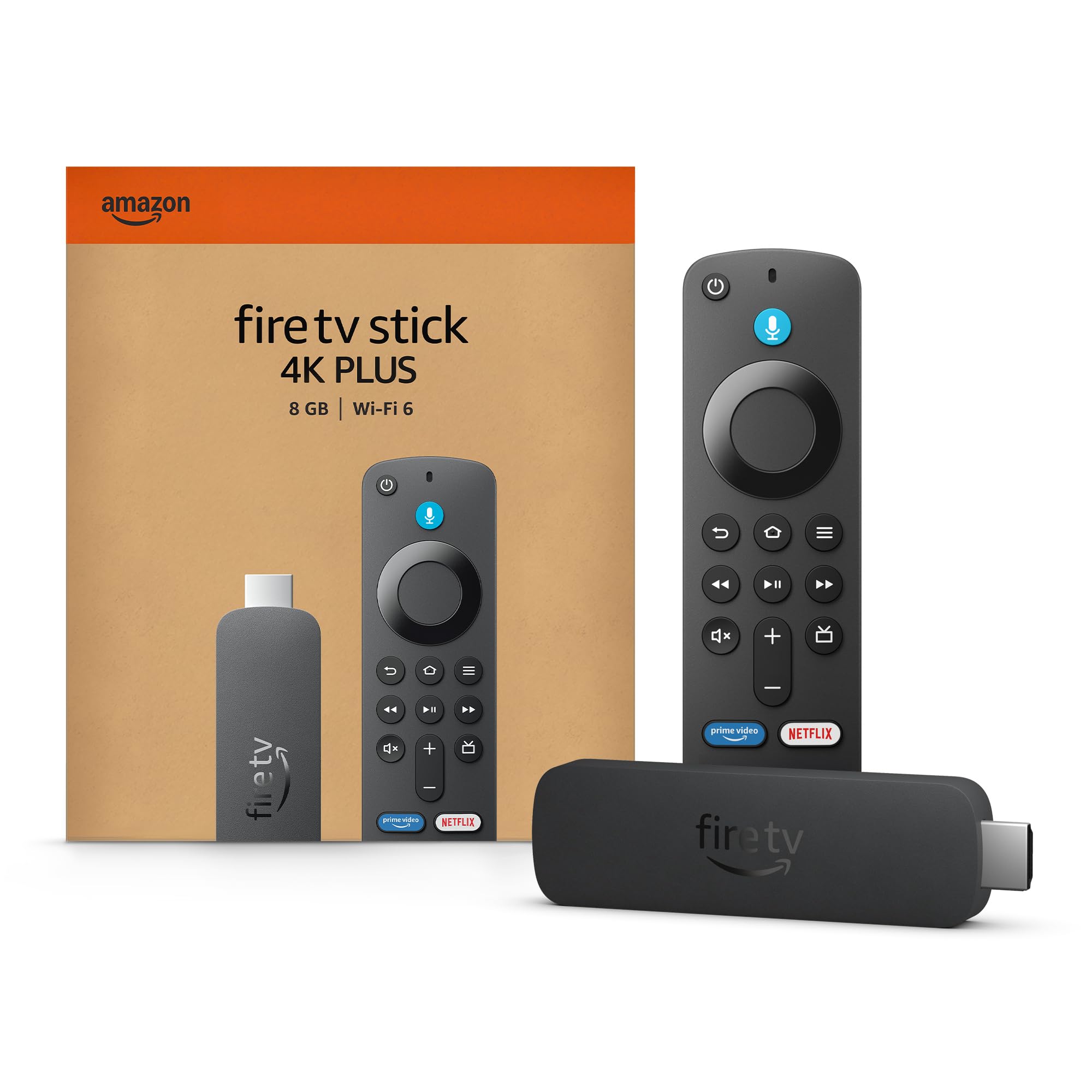 Amazon Fire TV Stick 4K Plus or 4K MaxSold separately