
Put grocery offers on your TVs.
Turn changing store conditions into timely, approved screen updates.
Publish your own content today. Automatic data updates need a supported integration. Broader automation and outcome measurement are not generally available.
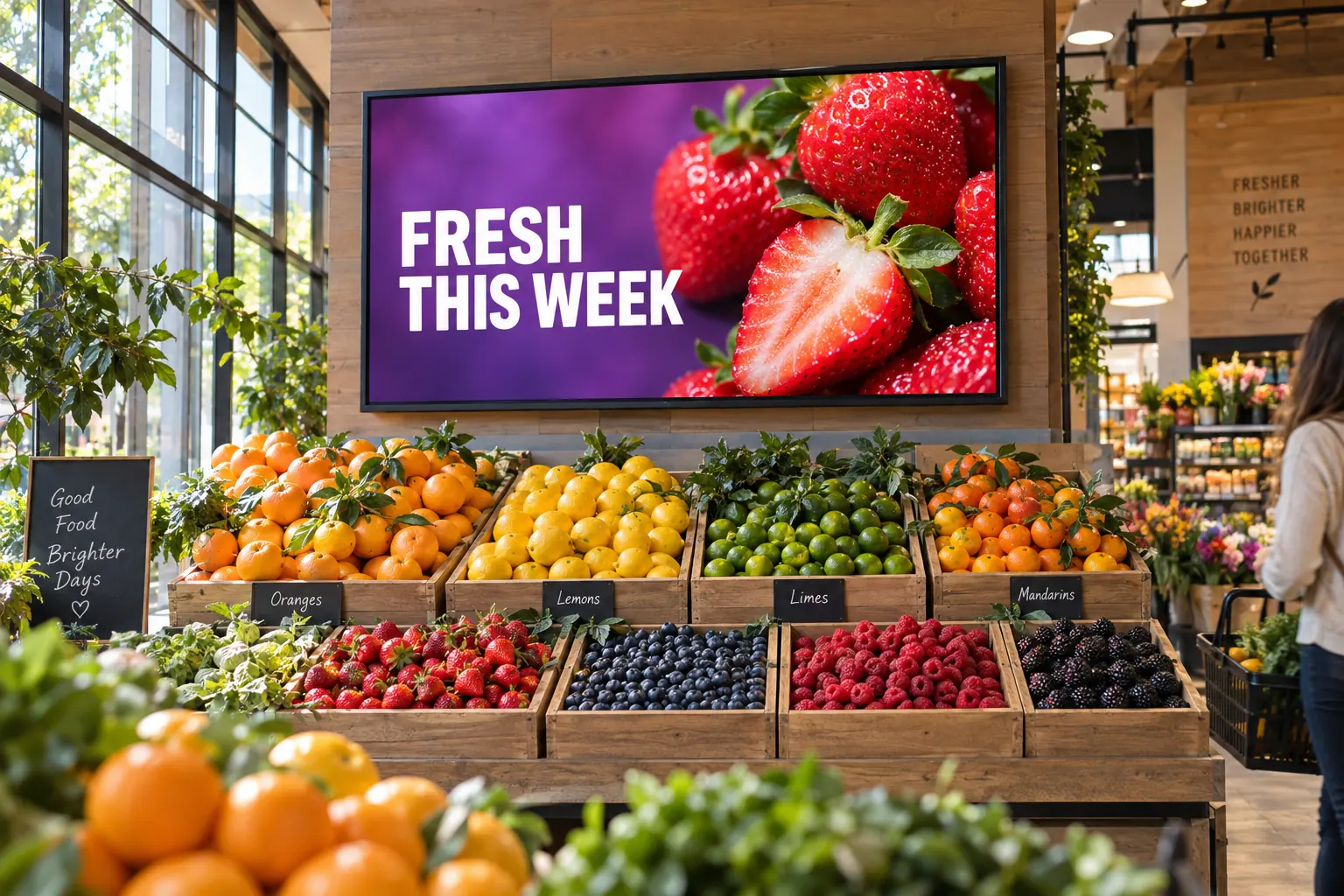
What changed
See the inventory condition behind the display.
Bring in inventory, expiry, availability, sales, and margin information.
InventoryOn hand and reserved
Shelf lifeTime left to sell
SalesHow quickly items are selling
EligibilityPrice and margin rules
Before publishing
Check the fresh-food offer.
Check stock, timing, price and margin rules before approving the offer.
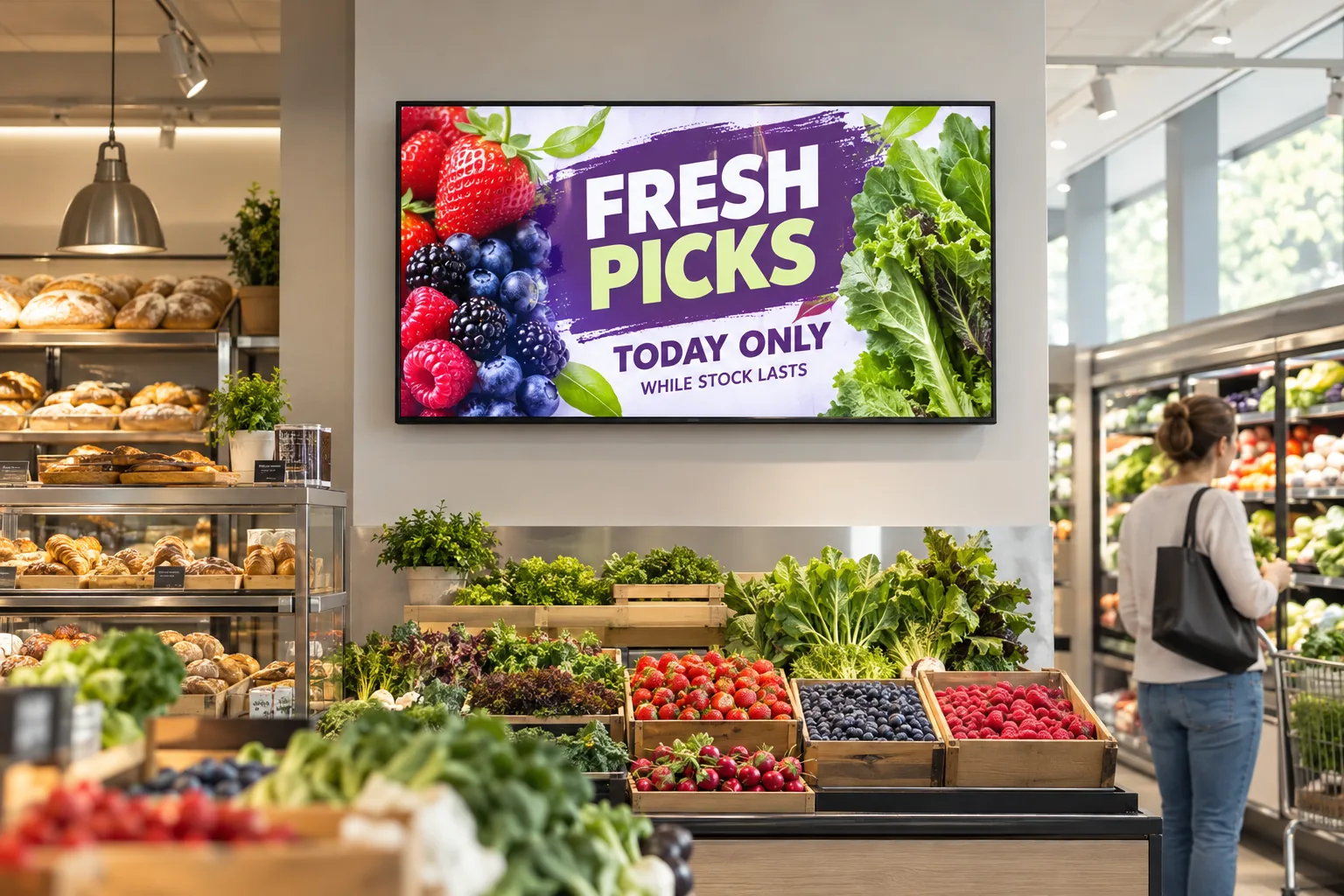
What the screen shows
Make the timely product easier to choose.
Feature at-risk stock, hide unavailable products, and keep local offers current.
- Promote fresh stock while it is still available to sell.
- Remove offers when an item is no longer available.
- Use the store's current details and approved times.
What you can learn
See what changed.
Track items sold, food waste and contribution to profit. Not just screen views.
Measurement planCheck what changed, not just what played.
What to measureItems soldFood wasteContribution to profit
What to recordWhen the data was updatedWhere the offer appearedComparison period
Record each update, then compare the data with your baseline.
The useful grocery message is the one that matches the stock, timing, and store in front of the customer.