
Your offers, on your store screens.
Use current location conditions to choose a useful offer or message.
Publish your own content today. Automatic data updates need a supported integration. Broader automation and outcome measurement are not generally available.
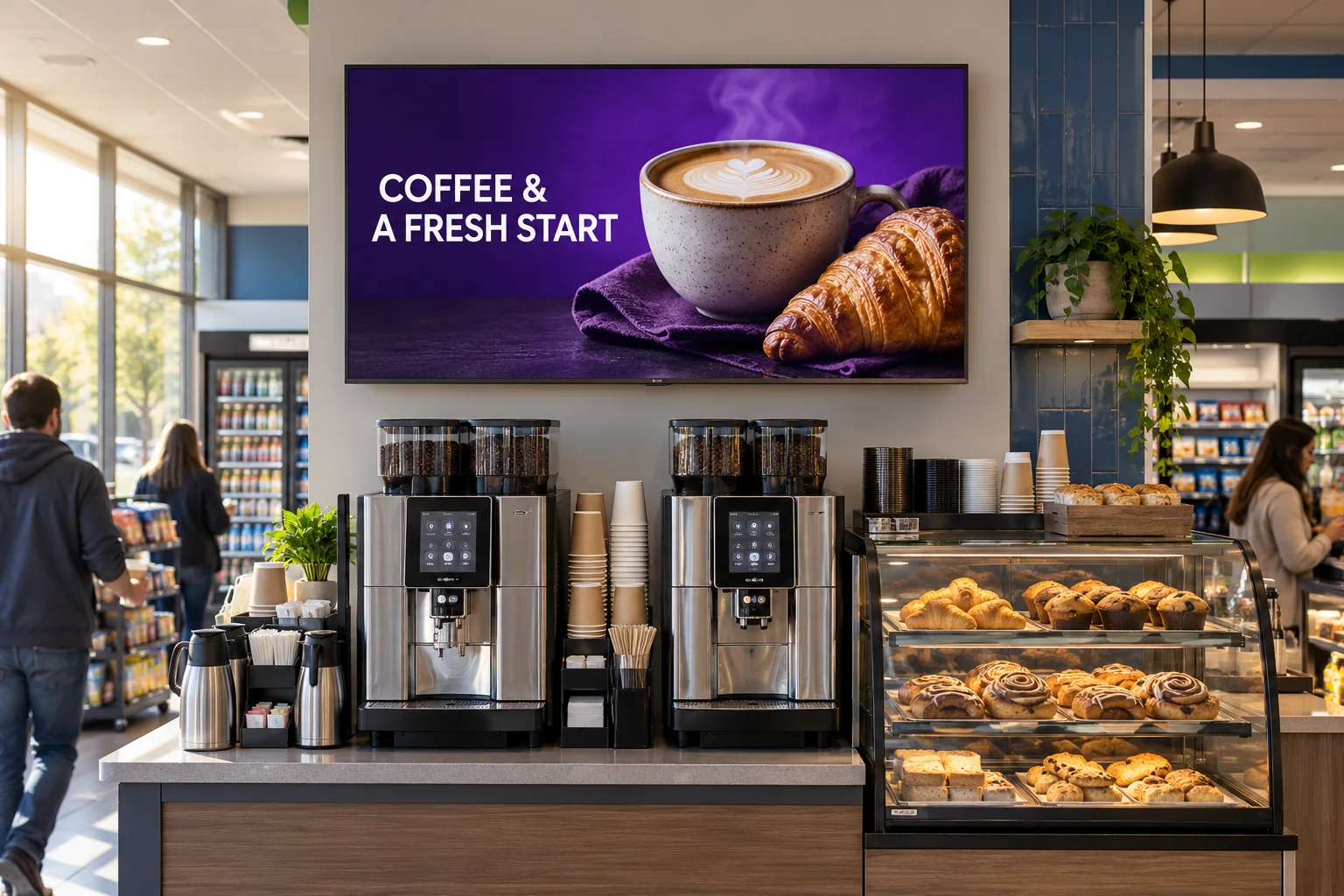
What changed
Connect the conditions that change through the day.
Bring in POS, inventory, weather, time, and current service conditions.
Time of dayWhat is relevant now
AvailabilityWhat can be sold
LocationForecourt or in store
ConditionsWeather and service state
Before publishing
Check the offer for this time of day.
Check the location, stock, time of day and screen before approving the offer.
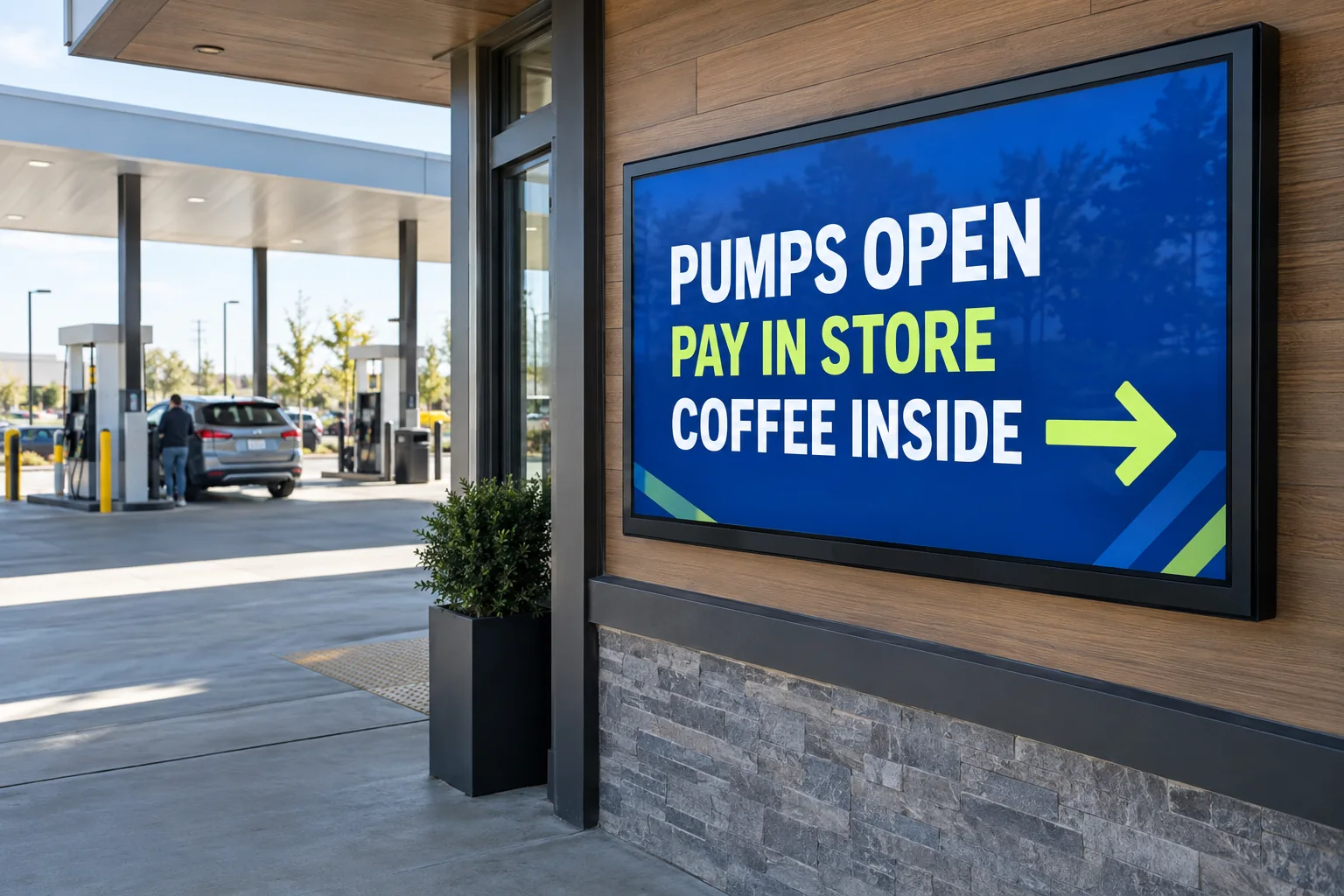
What the screen shows
Place the right message in the customer journey.
Show timely offers, local promotions, and guidance on forecourt and store screens.
- End the breakfast offer when breakfast service stops.
- Show the same current information on pump and store screens.
- Check stock before choosing a food offer.
What you can learn
Learn which action earned attention and response.
Review basket size, waste, and conversion as measurement becomes available.
Measurement planCheck what changed, not just what played.
What to measureWhat customers boughtOffer responseFood waste
What to recordWhen the offer ranLocationDelivery record
Record each update, then compare the data with your baseline.
A high-frequency location needs screen content that moves with the day, the stock, and the customer journey.