
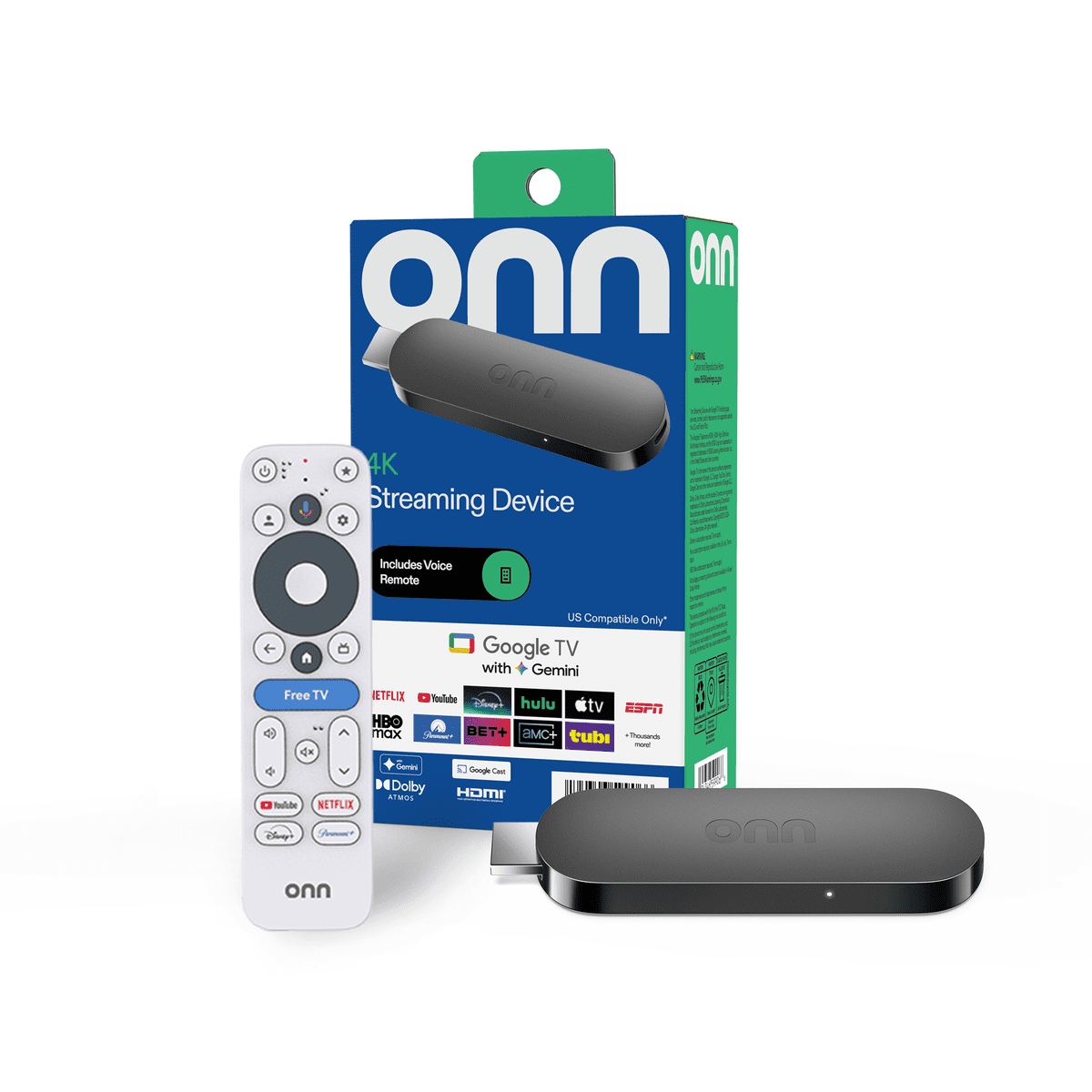
Google TV option · Sold separately
onn. 4K Streaming Device
Add Google TV and ScreenFire to an HDMI display.
Buy at WalmartPut product videos, offers and event information on the TVs you bring. Update them from your phone.
A product demo at your booth. Today's agenda by the entrance. An offer visitors can read at a glance. Bring your own images and videos, then choose where they appear.
Add Google TV and ScreenFire to an HDMI display.
Buy at Walmart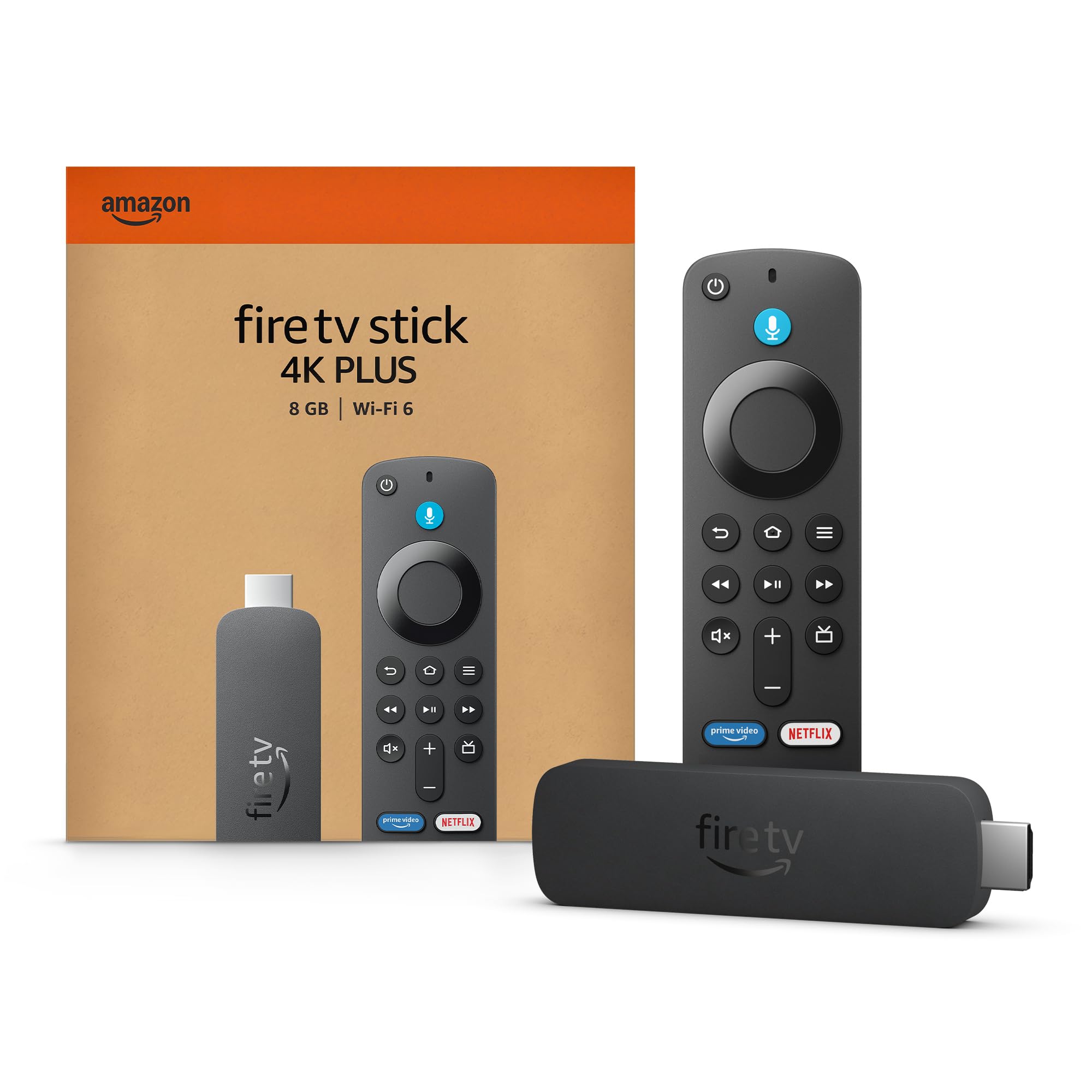
Add Fire TV and ScreenFire to an HDMI display.
Buy the 4K Plus at AmazonDownload your content on a supported player before the show. Its saved board and cached media can keep playing if Wi-Fi drops. Only fully downloaded videos work offline; YouTube does not. Storage can be cleared, so test each player with your actual content.
You'll need Internet for pairing and new updates.
Use an HDMI display with a listed onn. 4K device or Fire TV Stick 4K Plus or Max. The TV, player, power and network are separate from your ScreenFire plan. Test your exact player and content before the event.
A supported ScreenFire player can keep showing its saved board and cached media. Videos must be fully downloaded first. YouTube needs Internet, and device storage may be cleared. Pairing and new updates need a connection. Test your actual content with Wi-Fi off before relying on it at a show.
Open ScreenFire in your phone's browser, choose your content and publish to the connected screens you select. Your phone and players need an Internet connection to send and receive new updates.
No. ScreenFire is the software. Bring your display, a listed HDMI player, power and a suitable network. Confirm venue permissions, screen mounting and any rental or installation arrangements separately.