
Team updates, where the work happens.
Turn changing warehouse and dispatch conditions into clear team updates.
Publish your own content today. Automatic data updates need a supported integration. Broader automation and outcome measurement are not generally available.
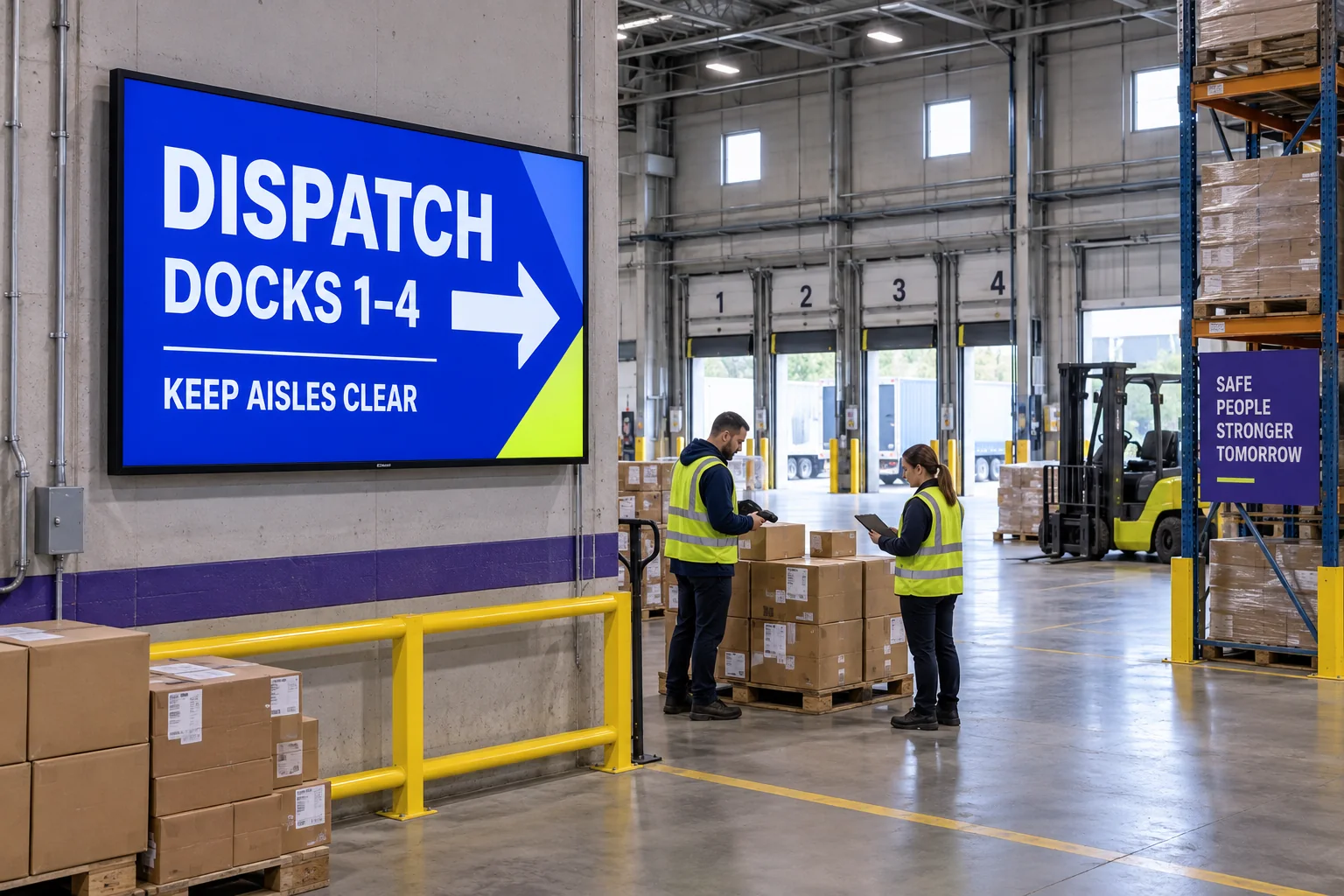
What changed
Start from the current state of the operation.
Bring in warehouse, labour, dock, carrier, and dispatch status.
DockDock status and waiting time
CarrierArrival and dispatch
TeamAvailable capacity
WorkloadIssues needing attention
Before publishing
Check the team's next priority.
Check what changed, which team should act and how long the instruction applies.
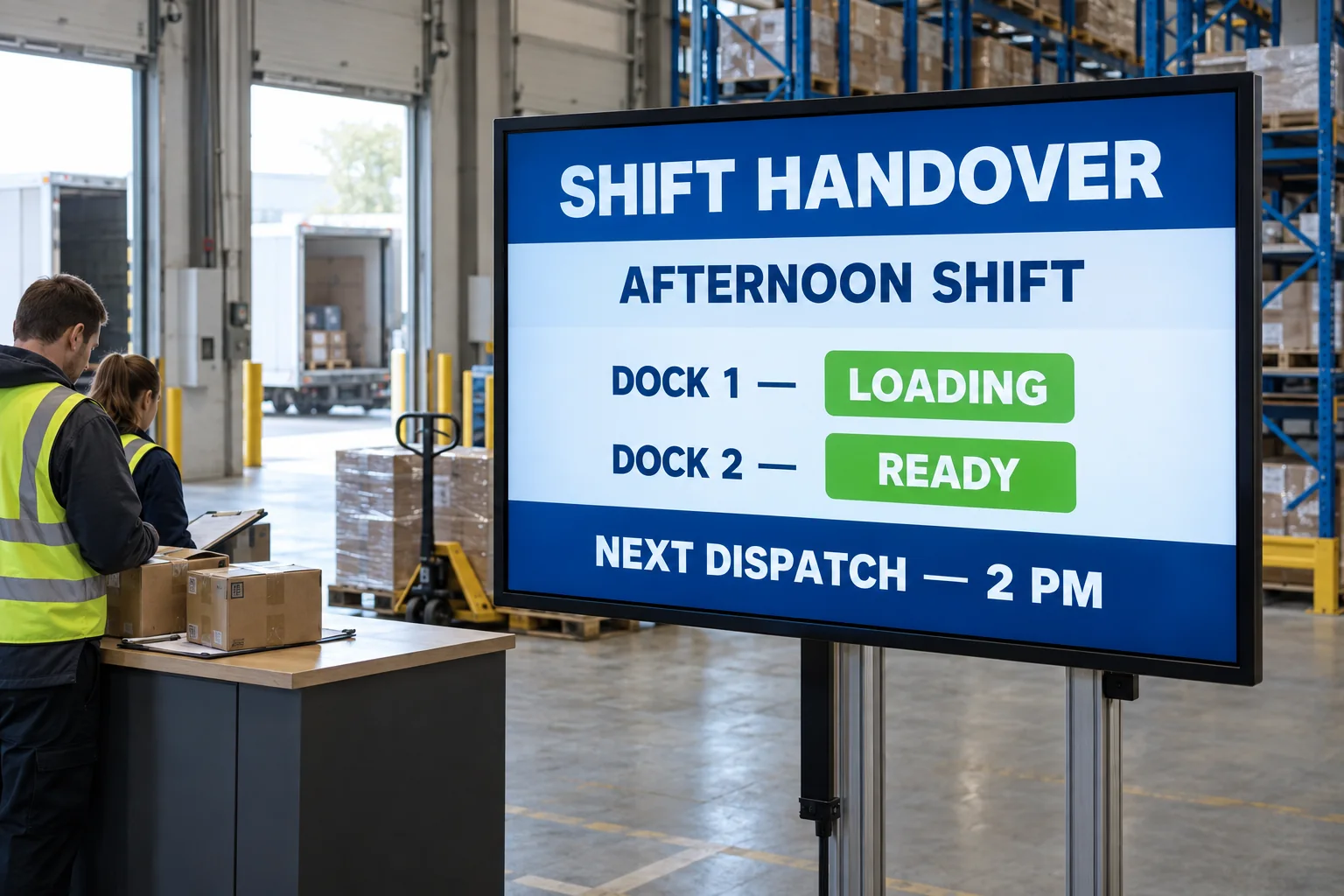
What the screen shows
Make the next priority visible at the point of work.
Show priorities, exceptions, congestion, and dispatch guidance where teams work.
- Show the next priority where the team needs it.
- Make urgent tasks stand out from routine updates.
- Remove the instruction when the situation changes.
What you can learn
Track the operating effect of the message.
Review dispatch time, dwell time, and productivity when measurement is connected.
Measurement planCheck what changed, not just what played.
What to measureOn-time dispatchTime spent at the dockResolution time
What to recordWhat changedResponsible areaWhen the update ran
Record each update, then compare the data with your baseline.
An operations screen should reveal the next useful priority while there is still time for the team to act.